On every page in the platform, there is a small round gear icon on the right hand side of the page. This accesses a tool bar which currently has a help file for the specific page you are on. Development is also under way to add videos and other learning materials to help you learn how to best use y…
What changed
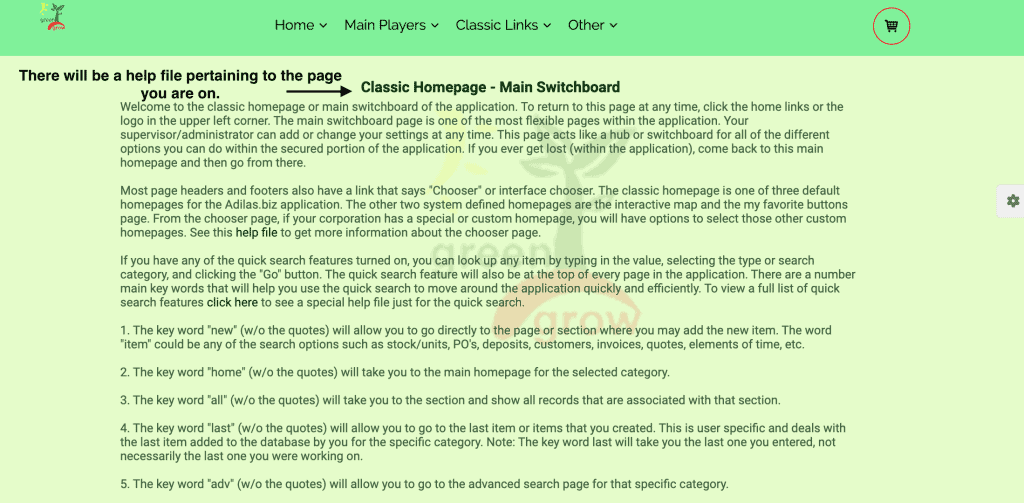
On every page in the platform, there is a small round gear icon on the right hand side of the page. This accesses a tool bar which currently has a help file for the specific page you are on. Development is also under way to add videos and other learning materials to help you learn how to best use your system.
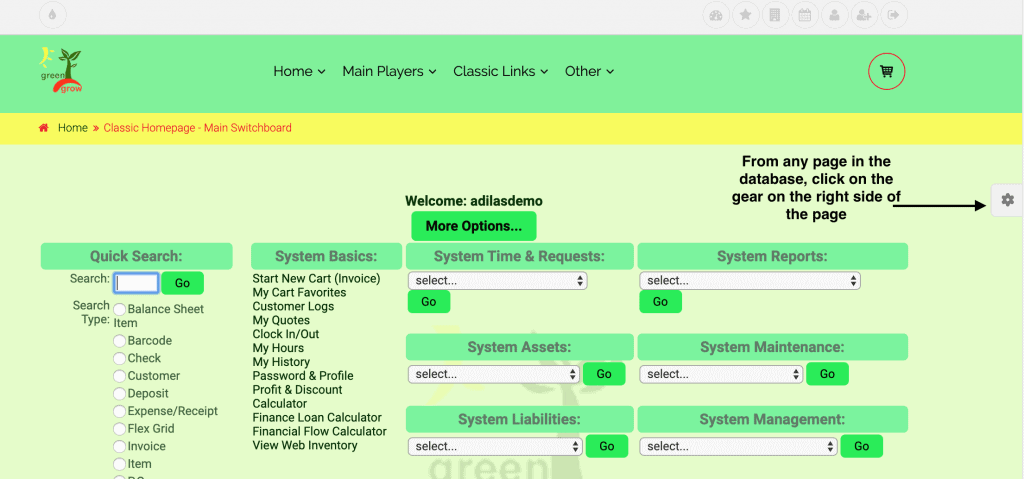
From any page, click on the gear on the right hand side of the page.
How to use it
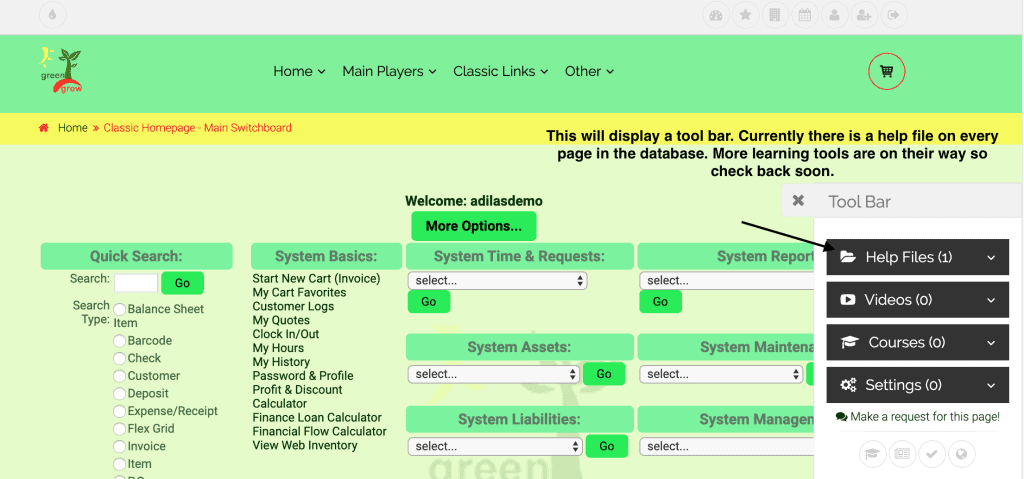
Click on the help files tab.
Select the help file for that page (currently there is only one).
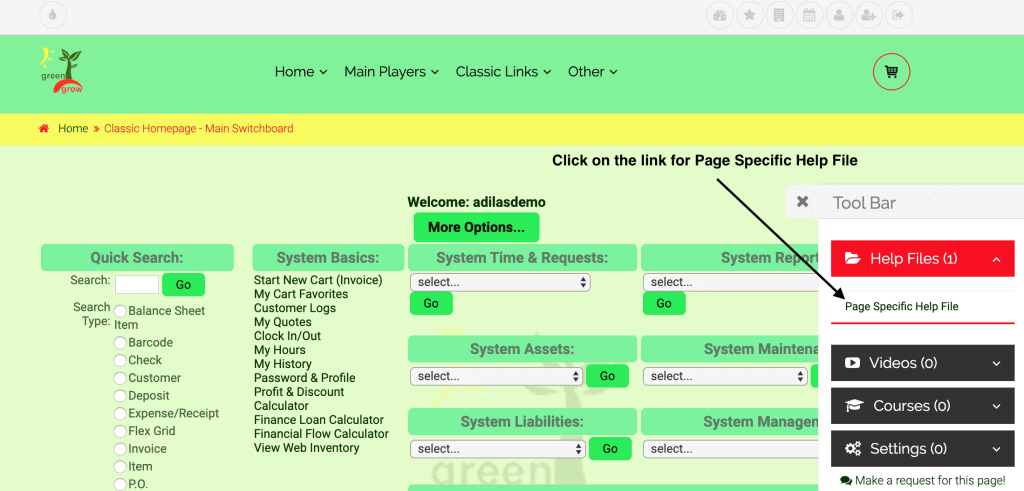
Each page has a description and basic how-to file.
Help and related information
As always, please feel free to reach out to your consultant, Technical Support at 719-966-7102, or email support@adilas.biz if you have any questions, concerns, or suggestions.
First posted on the old news site: https://news.adilas.biz/2019/10/06/using-the-help-tool-bar/