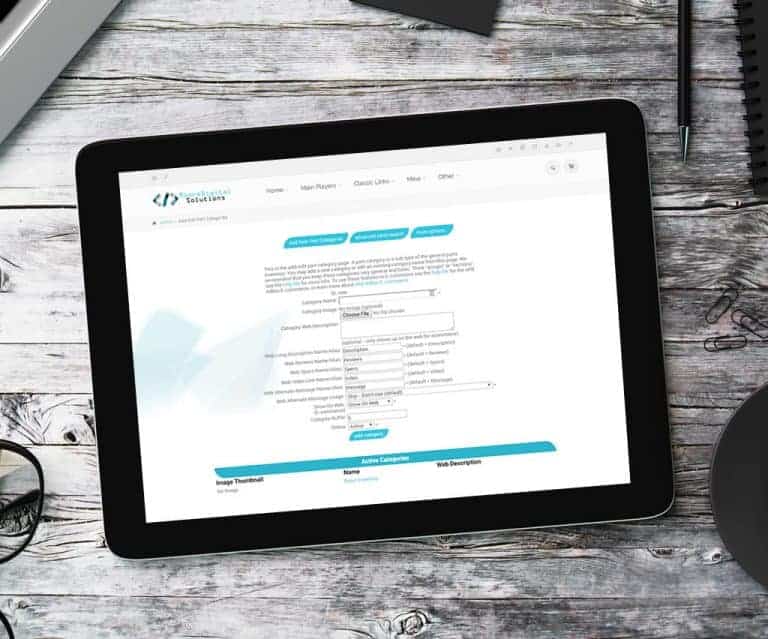
E-commerce – Show/Hide Categories This setting allows you to hide all items within a category from being viewed in the E-commerce. Then if you wish, you can go back to individual items and set them to be viewed in the E-commerce. How To Get To It: Home (header tab) > Parts Home Page (may be named d…
What changed
E-commerce – Show/Hide Categories
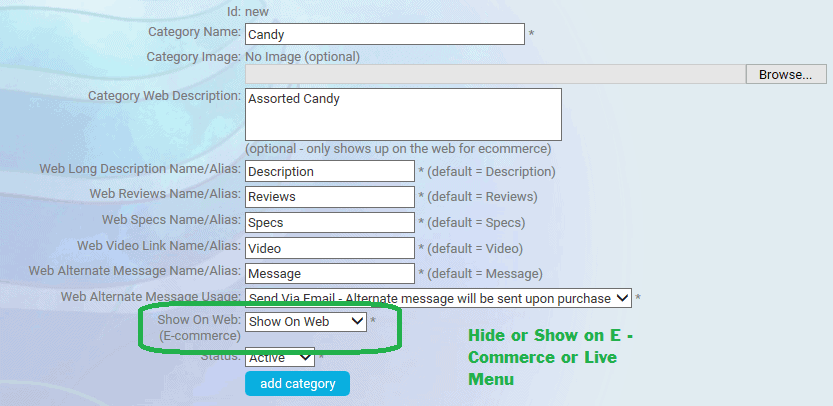
This setting allows you to hide all items within a category from being viewed in the E-commerce. Then if you wish, you can go back to individual items and set them to be viewed in the E-commerce.
How to use it
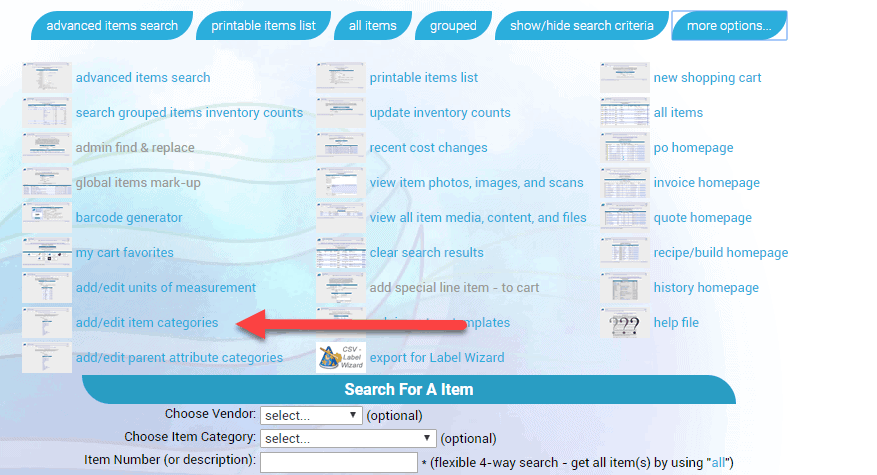
How To Get To It: Home (header tab) > Parts Home Page (may be named differently according to your corporations naming conventions for items) > More Options (button) > Add/Edit Item Categories (link, may be named differently according to your corporations naming conventions for items)
Select A Category
First posted on the old news site: https://news.adilas.biz/2017/08/08/e-commerce-show-hide-categories/