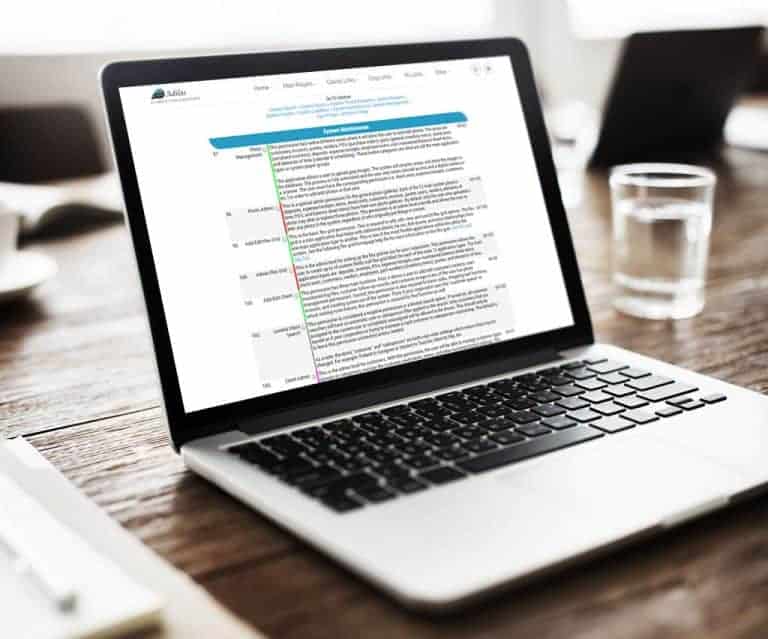
Photo Gallery, Admin Photo Permission Allows permissioned user to change photos no matter who uploaded them How To Get To It: Classic Links (header tab) > System Management > Add/Edit Payees & Permissions > Select A User Locate and select permission id=159, “Photo Admin” and save the page. Tip: To…
What changed
Photo Gallery, Admin Photo Permission
- Allows permissioned user to change photos no matter who uploaded them

How to use it
How To Get To It: Classic Links (header tab) > System Management > Add/Edit Payees & Permissions > Select A User
Locate and select permission id=159, “Photo Admin” and save the page. Tip: To find permission quickly, press “control + f”, type “id=159”. The page result will immediately direct you to the correct permission.
*** Note! You must have permission to access these pages.
First posted on the old news site: https://news.adilas.biz/2017/05/30/admin-photo-permission/