Search Child Core Values From the Reports Homepage Click on the “Core Values – Subs” link Or – Click on the excel icon Core Values – Child/Sub Inventory Choose Date Range Choose Status Quick Search Parent or Child RFID
What changed
Search Child Core Values
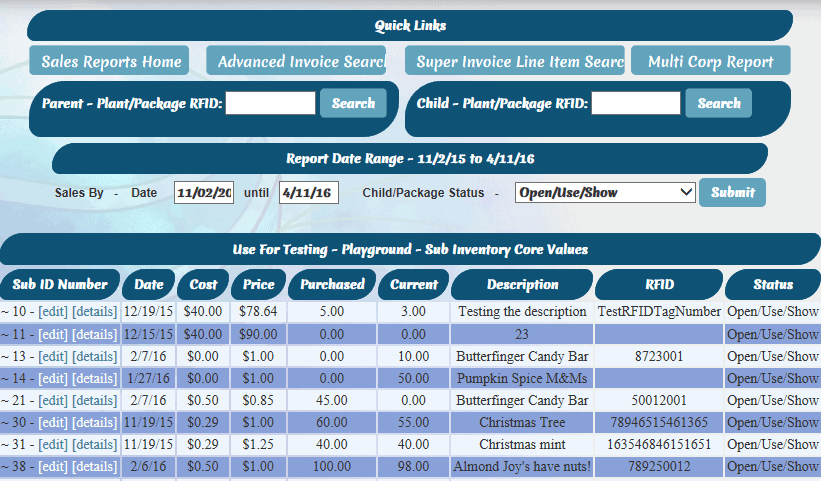
Core Values – Child/Sub Inventory
How to use it
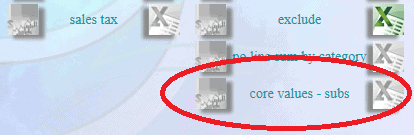
- From the Reports Homepage
- Click on the “Core Values – Subs” link
- Or – Click on the excel icon
- Choose Date Range
- Choose Status
- Quick Search
- Parent or Child RFID
First posted on the old news site: https://news.adilas.biz/2016/04/11/sub-inventory-child-core-values/