
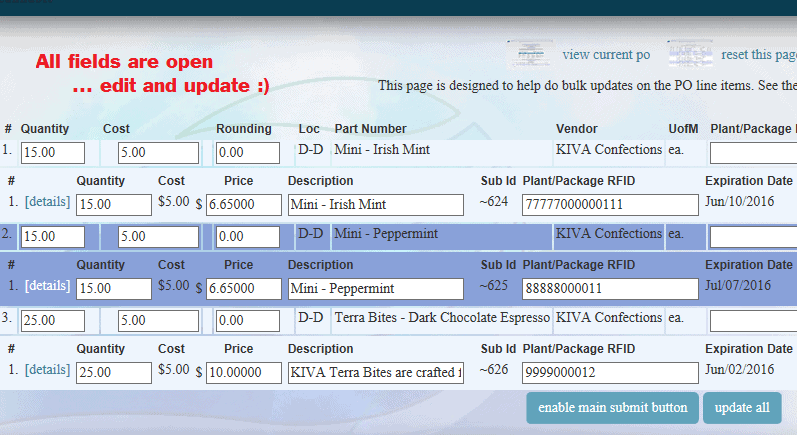
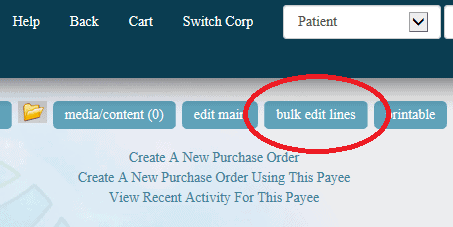
Bulk Edit PO Line Items From the “Edit Line Items”, which are viewable on any PO Click on the “Bulk Edit Lines” button at top of page Or Click on the “Bulk Edit Lines” link in the middle of the PO Edit View Fields are open Edit as desired Click on the “Enable Main Submit” button Update All
What changed
Bulk Edit PO Line Items
Edit View
- Fields are open
- Edit as desired
- Click on the “Enable Main Submit” button
- Update All
How to use it
- From the “Edit Line Items”, which are viewable on any PO
- Click on the “Bulk Edit Lines” button at top of page
- Or
- Click on the “Bulk Edit Lines” link in the middle of the PO
First posted on the old news site: https://news.adilas.biz/2016/03/05/bulk-edit-po-line-items/