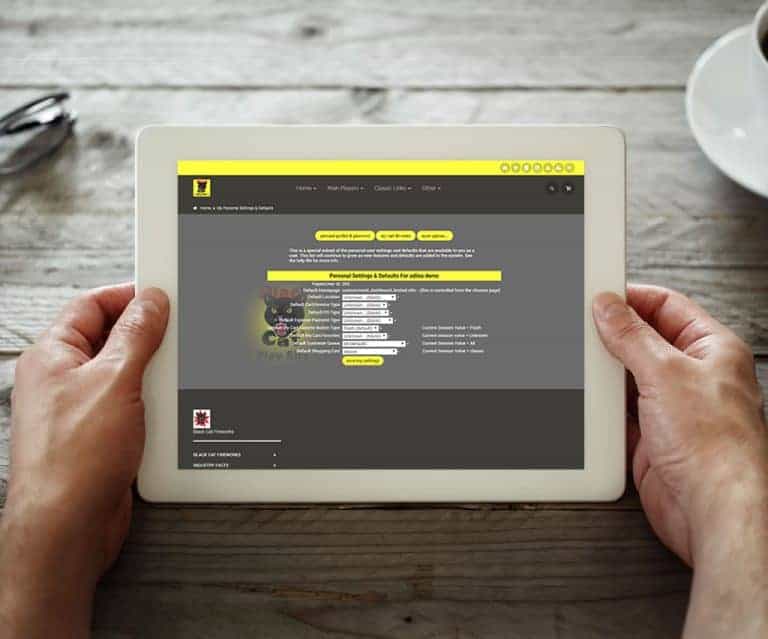
Choose either Flash or HTML Buttons. Flash Buttons From the Classic Homepage Under System Basics, select “Password & Profile” Click on the “My Settings & Defaults” Button Choose either button style Flash or HTML – Great for IPad or IPhone HTML Buttons Allowed by Apple devices Loads faster than Flas…
What changed
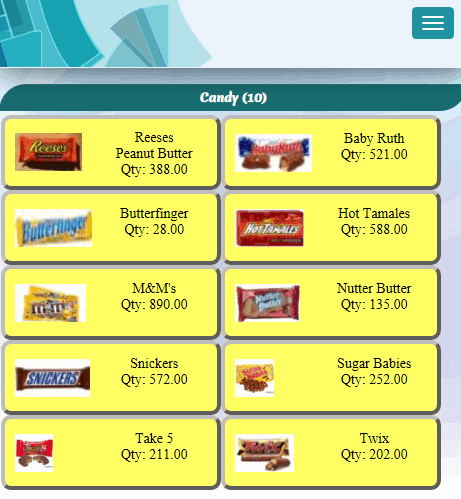
Flash Buttons
HTML Buttons
- Allowed by Apple devices
- Loads faster than Flash
- 8 Colors available
- Choose your photo
- Touch screen ready
How to use it
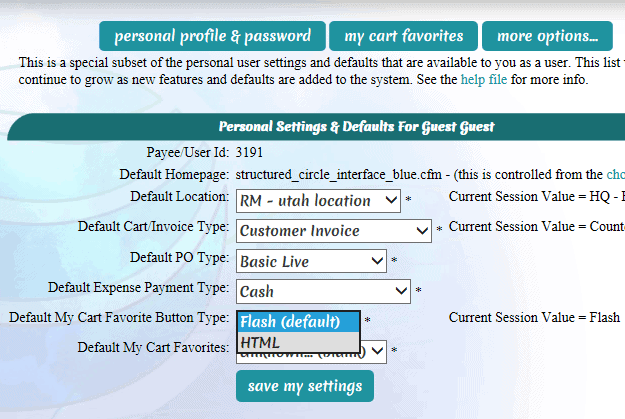
Choose either Flash or HTML Buttons.
- From the Classic Homepage
- Under System Basics, select “Password & Profile”
- Click on the “My Settings & Defaults” Button
- Choose either button style
- Flash or HTML – Great for IPad or IPhone
First posted on the old news site: https://news.adilas.biz/2016/02/12/flash-or-html-buttons/