News & Updates: General News and Updates
What's new in adilas: new features, changes and tips. See every topic.
W-2 for 2020 is Uploaded with New Feature!
Adilas users can now run their 2020 W-2’s. Please note that we have added a new function so that you may now enter your state and your employer state id number in Adilas and it will auto-populate in the W-2. To locate the page with these new fields, click on Liabilities from the Classic Homepage. C…
Core FeaturesFrequently Asked QuestionsGeneral News and UpdatesHelp FilesSupportTips and TricksFlex Customer Attributes
To create flex attributes for customers, navigate to the customer homepage. Click ‘more options’ link. Click on the ‘Flex Attributes’ link. Currently ‘Customer’ is the only category with flex attribute functionality built out. Click edit link to the left of Customer. Fill in the attribute name and…
Core FeaturesGeneral News and UpdatesHelp FilesTips and TricksMost recent info:Update to Flash to Html5 Conversion
Please insure your settings are correct for the labels and printers. Some settings below: Adilas setting, Printer settingLabel Size: 3/4 x 2, Paper size: 30330 Return AddressLabel size: 2 x 3/4, Paper size: 30330 Return Address Label Size: 1 x 2, Paper size: 30330Label size: 2 x 1, Paper size: 3033…
Core FeaturesFrequently Asked QuestionsGeneral News and UpdatesHelp FilesSupportTips and TricksHappy New Year!!
Adilas would like to say Happy New Year to all of our clients! We look forward to 2021 being a fabulous year, with new updates and functionality to help make your work easier and more efficient. Please remember we are always open to new ideas and suggestions. Again, HAPPY NEW YEAR FROM THE ADILAS T…
Cannabis UpdatesCore FeaturesGeneral News and UpdatesHelp FilesMETRCMJ Tips and TricksSupportTips and TricksCongratulations to Our Survey Respondents!
Thank you to everyone who participated in our $100 e-Gift Card and Free Consultation drawing by responding to our customer survey. Congratulations to the winner of the $100 e-Gift Card, Joshua Merrill with RiNo Supply Inc! We would also like to congratulate the many entries that won 1 FREE Hour of…
Customer FeedbackGeneral News and UpdatesAdd JPEGS to Customer Profile in E-Commerce
To help support contactless sales in Adilas, online shoppers can now upload photos of documents necessary for shopping directly into their customer profiles. **Please note this is only for jpegs. To activate this setting in your Adilas e-commerce, hover on ‘Other’ link at the top of any page, then…
Core FeaturesGeneral News and UpdatesHelp FilesMJ Tips and TricksSupportTips and TricksWin a $100 e-Gift Card and One FREE Hour of Consultation!
As we close out the year 2020, Adilas would like to take this time to listen to our customers and receive feedback about our software and how it pertains to your business. We would greatly appreciate it if you would take a moment to complete this brief, 10 question survey. To say “Thank You” for su…
Customer FeedbackGeneral News and UpdatesSupportAge Verification Settings in E-Commerce
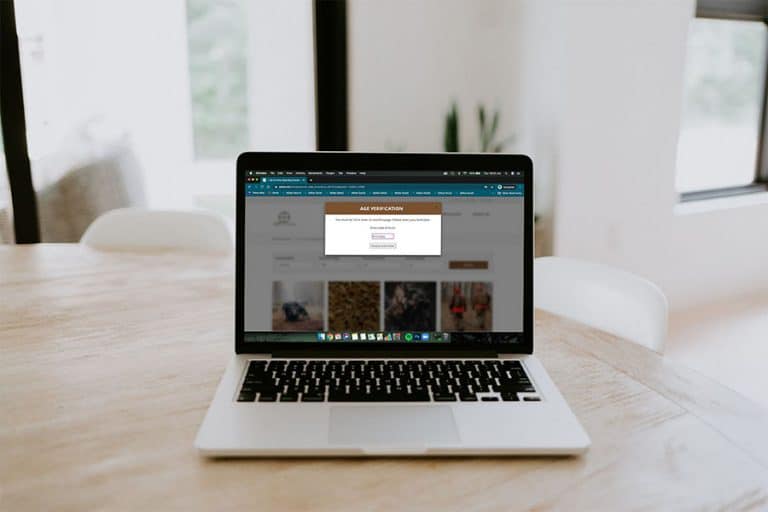
If your corporation uses Adilas’s e-commerce there are two new settings that you may use. From any page in Adilas, hover on ‘Other’ at the top of the page. Scroll down and hover on “Other Settings.” Choose E-Commerce Settings from the drop down list. Click on E-Commerce options on the right side of…
General News and UpdatesHelp FilesMJ Tips and TricksTips and TricksHow to Void Deposits and Expense Receipts from the Balance Sheet Automatically
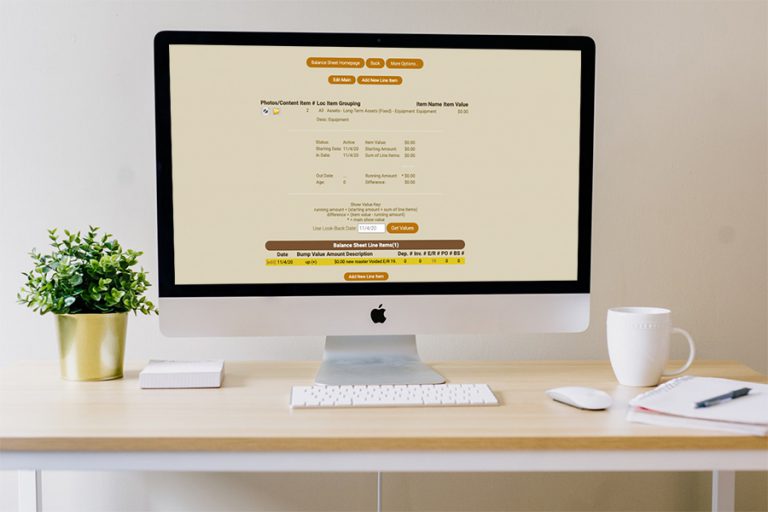
Now when a user voids a deposit or expense receipt, it will automatically be voided (zeroed out) on the balance sheet. Below will demonstrate what this process looks like with an expense receipt. The same steps will be taken with a deposit. Create an expense receipt and allocate it to the balance s…
Core FeaturesGeneral News and UpdatesHelp FilesTips and TricksHow to Add Balance Sheet Item Numbers to your Chart of Accounts
To ensure that all line items you wish to allocate to the balance sheet receive the proper balance sheet item number, it is helpful to set these up as defaults in your chart of accounts. In the example below we will be demonstrating how to set these up for your deposit types. The same steps will be…
Core FeaturesGeneral News and UpdatesHelp FilesTips and TricksNew Feature…Using Barcode Quick Cart Alongside Smart Group Tiered Pricing
Now Adilas users can take advantage of corp-wide settings that allow them to scan/type a barcode into the shopping cart to add items directly AND scan/type barcodes for items connected to smart group buttons, add weight, and have it entered correctly into the shopping cart. First there are a couple…
Cannabis UpdatesCore FeaturesGeneral News and UpdatesHelp FilesMJ Tips and TricksSupportTips and TricksLoyalty Points Program Now Tracks Actual Cash Value
Most Adilas users will not notice anything different about these upgrades to the loyalty points program, but those who want to track their liability will be interested in these developments, as well as those who aim to comply with new tax rulings regarding loyalty and rewards programs released this…
Core FeaturesGeneral News and UpdatesHelp FilesSupportTips and TricksAssigning Parent Items to Smart Buttons
A new feature has been added to streamline adding parent items to Smart Groups for Tiered Pricing. This functions with existing items and can also be utilized when creating a new item. This update will demonstrate how to add an existing item to the Smart Group. Navigate to the MJ Items Homepage. Ty…
General News and UpdatesHelp FilesTips and TricksPayee Permission Homepage
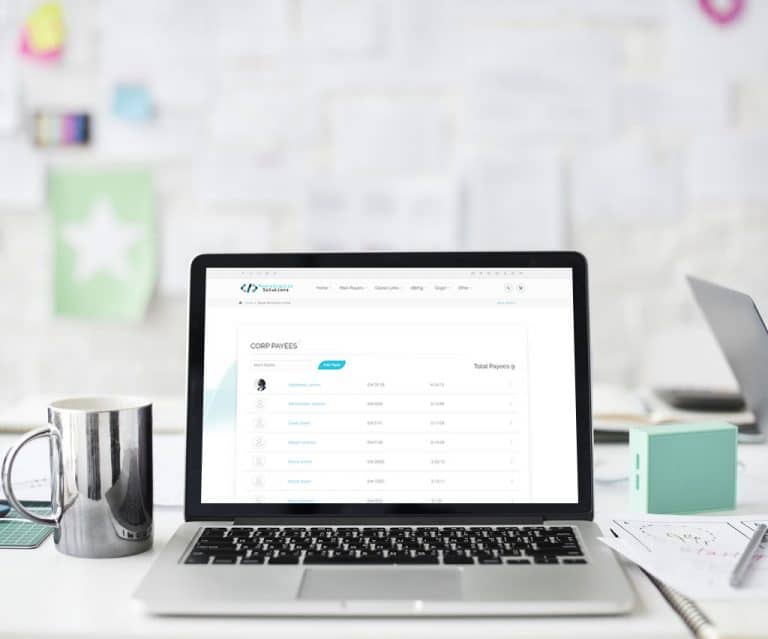
The payee permission homepage has been redesigned to be more mobile friendly, improved look and feel, and a new search filtering option to find payees quicker. How to Get to It: Classic Homepage > Management (tab) > Add/Edit Payees & Permissions (link) Written Instructions In this help file we will…
Core FeaturesGeneral News and UpdatesHelp FilesSupportUsers Permission Templates
User Permission Templates will allow a corporation to create templates of permissions for users such as Admin, Teller, Accountant, etc. Each permission template can contain any number of permissions available within the system. A permission template can then be applied to any user. Templates can be…
General News and Updates