News & Updates
What's new in adilas: new features, changes and tips.
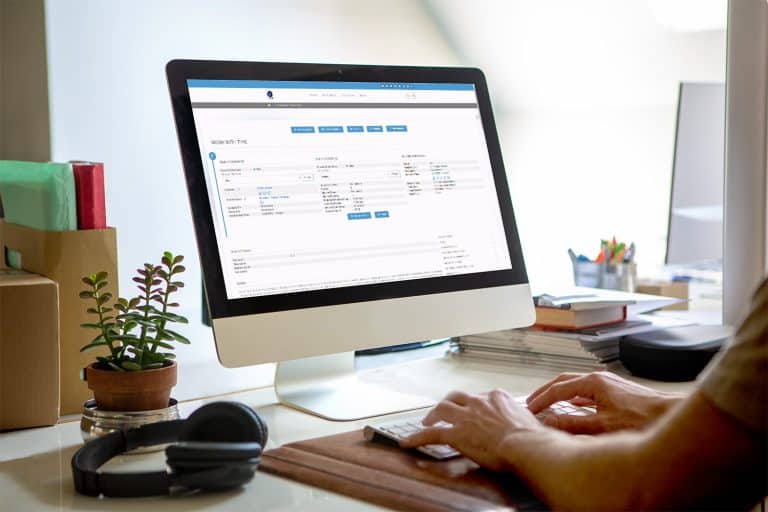
New Look for Working with Time
There is a new look for the Working with Time page. When you click on an Element of Time that you have scheduled on your Elements of Time Homepage, the new layout will look similar to the screenshot below. This is completely based on how your time template is set up, so yours may differ from this e…
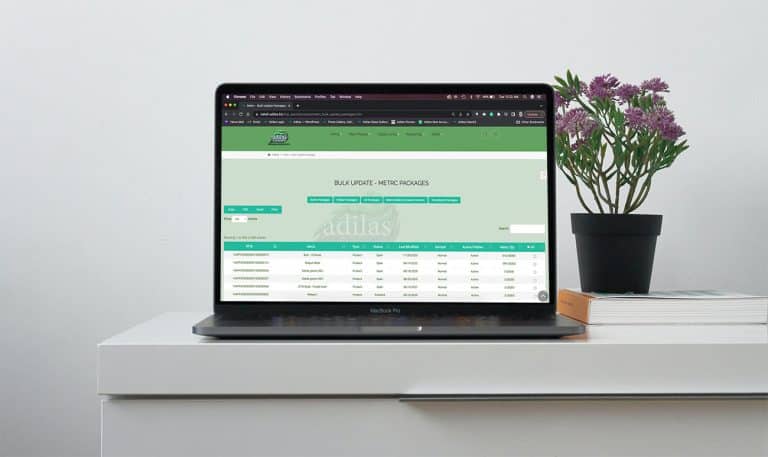
Core FeaturesGeneral News and UpdatesHelp FilesSupportTips and TricksBulk Hide Transfers on the Compare Inventory Page
Now there is a quick and easy way to hide multiple packages at a time that persist on the compare inventory page even though they have been transferred out of your facility. Please keep in mind that you still need to make sure these packages are zero quantity in both adilas and METRC. You also need…
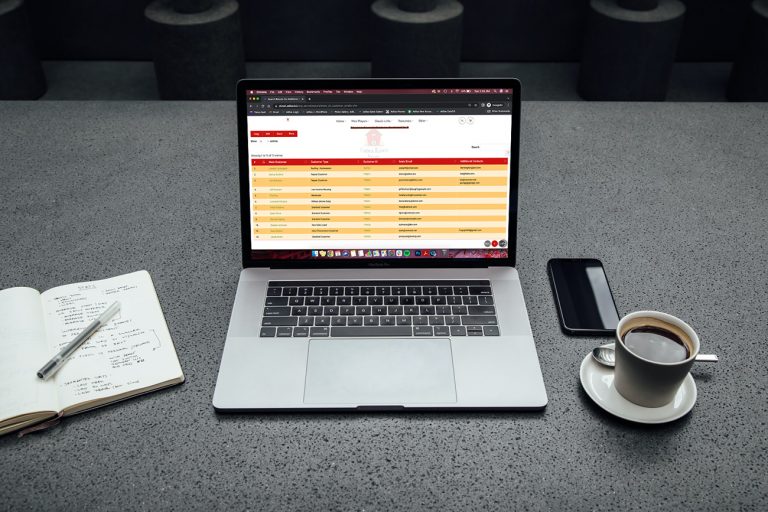
Help FilesMETRCMJ Tips and TricksNew CRM Report: Show All Email Addresses
Now you can run a report to show the email addresses from your main contact information, as well as your additional contact information. From the classic homepage, click on system maintenance. Click on customer homepage. Click on advanced customer search**please note that the word “customer” is dyn…
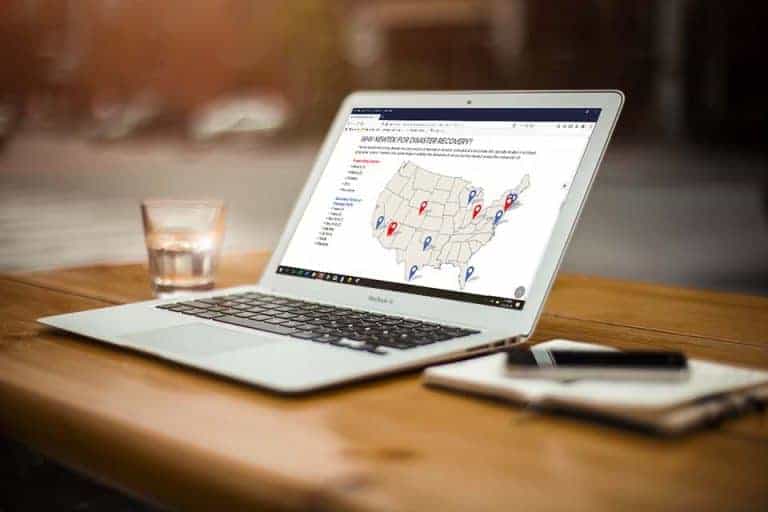
Core FeaturesGeneral News and UpdatesHelp FilesTips and TricksAdilas.biz Security and Data Loss Prevention Information
Security at adilas.biz is provided within the system architecture and by Hostek. Hostek is a leading, managed technology, I.T. infrastructure, and Web hosting company that has been around since 1998. Adilas backups are provided and stored on-site at Hostek. Operations are based out of Tulsa, Oklaho…
Core FeaturesFrequently Asked QuestionsGeneral News and UpdatesScheduled Expense Receipts
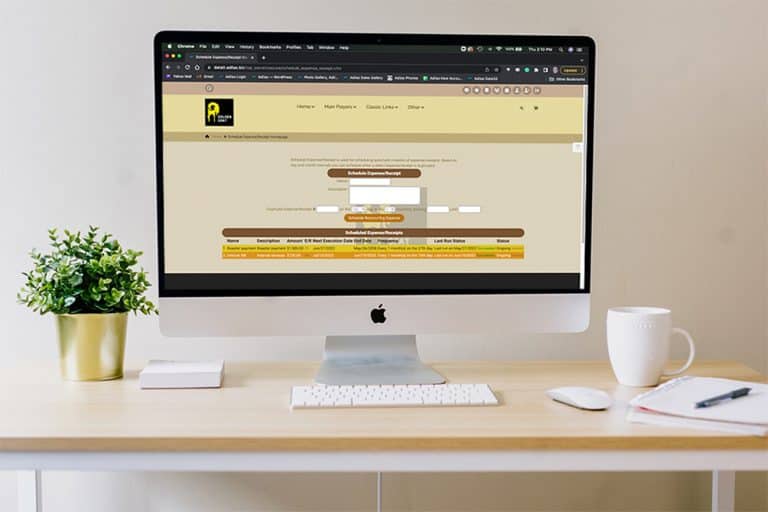
Did you know that Adilas has a function for scheduling reoccurring expense receipts? These Scheduled ERs work best for reoccurring expenses where the vendor, dollar amount, and BSI bump option (how it is entered on the balance sheet) are the same each time (monthly, quarterly, annually). First, you…
Core FeaturesGeneral News and UpdatesSupportTips and TricksEditing Images for Your Categories on e-Commerce
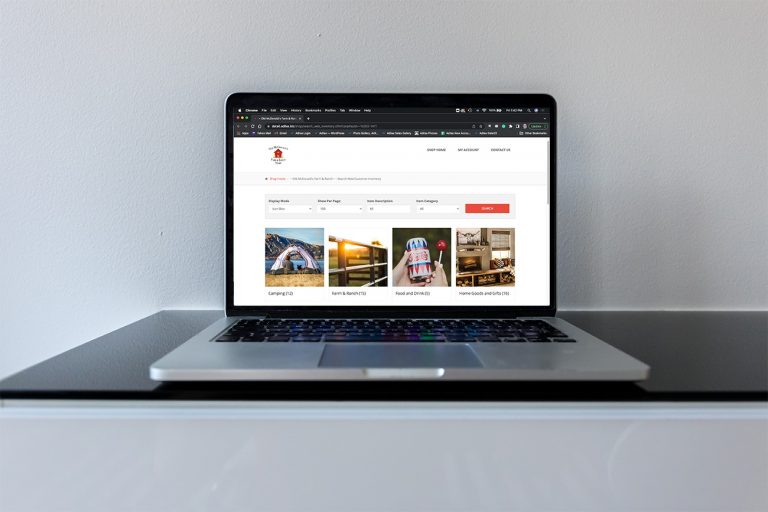
If you need to change or update the Category images on your e-commerce, you can easily update those images inside of Adilas and it will automatically update them on your e-commerce. Please follow the steps below: Navigate to the “Items Homepage” Select the “More Options” button, then select the “Ad…
Tips and TricksNew Metrc API Homepage Look/Feel
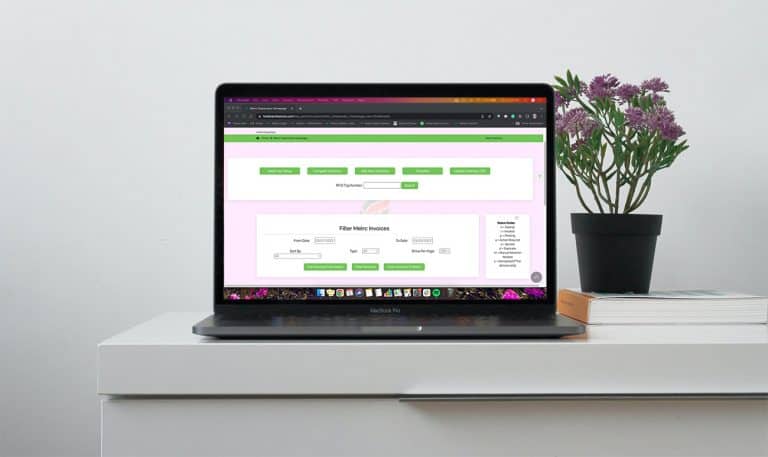
In an effort to modernize the look and feel of the Adilas system, we will be launching an updated view of our Metrc API Homepage. This new view includes minimal changes to the functionality of the page and mostly deals with the arrangement and placement of the buttons within the page. The “More Opt…
Cannabis UpdatesCore FeaturesSupportREMINDER: Data 4 Server Maintenance 4/26/22 from 2 am – 4 am MST
NOTE: This message only applies to our current clients who reside on our Data 4 server. To see which server you are on and if this message applies to you, please look in the URL bar of your browser. If it says data4.adilas.biz this message is for you (see example below). We do not expect any of our…
General News and UpdatesSupportPO Line Item Rounding for Internal Builds
Adilas has a way for every PO Line Item (on all PO types) to go through a rounding function where the system will do the calculations in the background for you. There is a keyword of “auto” that we use behind the scenes that is used to force the math update. If a real rounding number is submitted m…
Cannabis UpdatesCore FeaturesGeneral News and UpdatesMJ Tips and TricksTips and TricksHow to Set Tiered Pricing in e-Commerce
Using Parent Attributes (also known as Parent Tags), users can create tiered pricing for pre-packaged cannabis to be sold through the Adilas e-commerce platform. Navigate to the Items Homepage and click on more options. Select “Add/Edit Parent Attribute Categories” Select “Add New Parent Attribute…
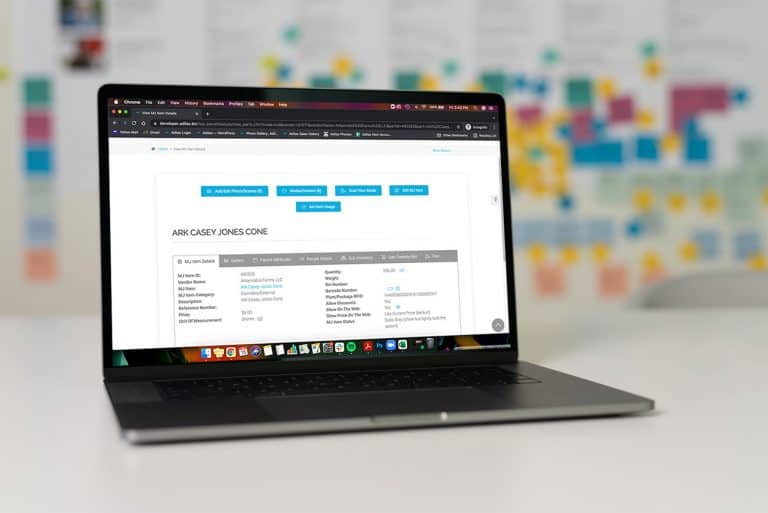
Cannabis UpdatesMJ Tips and TricksImportant Update: New Look & Feel for Items/Parts Pages
First of all, we would like to extend a sincere apology to our clients for the inconvenience and confusion that was caused by our update, which occurred on the morning of February 24th, 2022. Some of the updates have been reverted back to their original state until we can come up with a better solu…
Cannabis UpdatesCore FeaturesGeneral News and UpdatesMJ Tips and TricksTips and TricksNew Look/Feel for Start Cart, Discount Calc, & Payment Screens
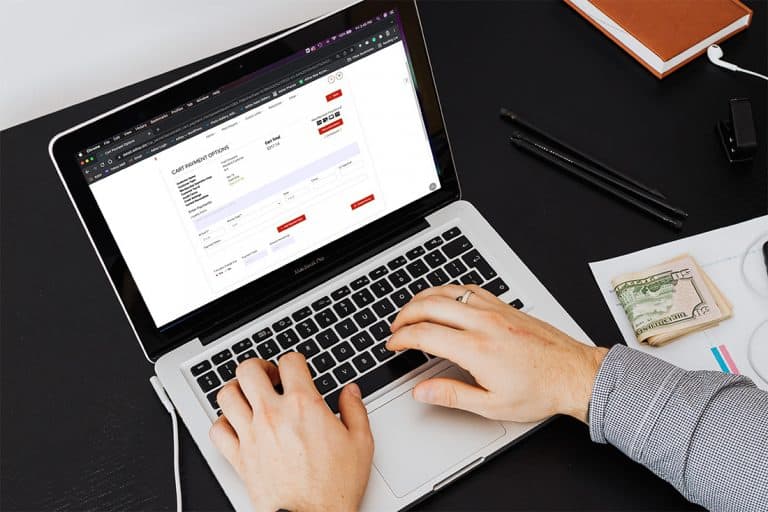
In an effort to modernize the look and feel of Adilas, we have made some recent changes to the following pages: Start New Cart Discount Calc Checkout/Payment PLEASE NOTE: There have been no changes to the functionality of these three areas, only the look and feel have been revised. We will continue…
Cannabis UpdatesCore FeaturesGeneral News and Updates2021 Year-End System Assessment
Adilas is now offering an end-of-the-year review service for our clients, to assist with closing 2021. The assessment starts at $300 and we will examine the following areas of your Adilas system: Balance Sheet System Maintained Assets Banks Accounts Receivable Inventory Liabilities Accounts Payable…
Cannabis UpdatesGeneral News and UpdatesMJ Tips and TricksSupportTips and TricksNew Website Redirect
From now on, when you type adilas.biz or www.adilas.biz into your URL, it will direct you to our new website. In order to enter your login information, you will just need to click “Login” in the upper right corner to be redirected to the login screen. (Keep reading below to learn how to save the lo…
Cannabis UpdatesGeneral News and UpdatesTips and TricksYear End Totals Page Has New Functionality and New Forms
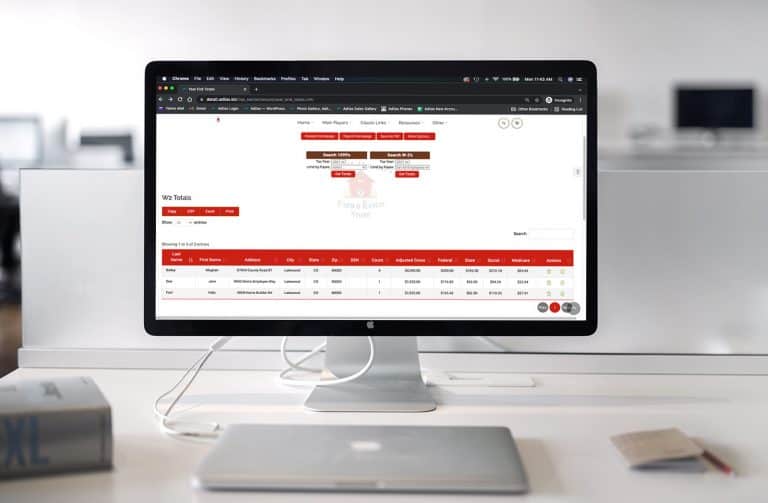
We hope our clients find the new year-end totals page more helpful when viewing their W-2 and 1099 reports. To access the page from the classic homepage, click on the Liabilities tab. Then click on Payroll Homepage. From here you will see a link at the top called “Year End Totals.” Click on this bu…
Core FeaturesGeneral News and UpdatesHelp FilesTips and Tricks