News & Updates: Support
What's new in adilas: new features, changes and tips. See every topic.
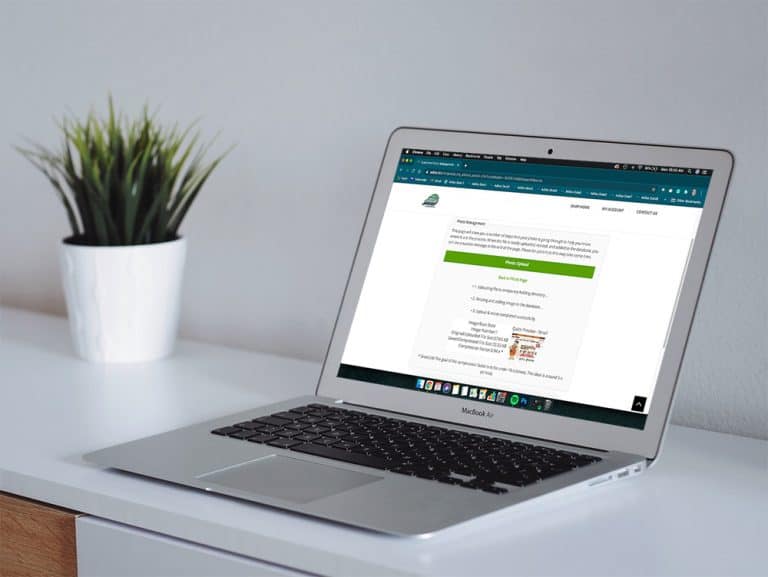
Add JPEGS to Customer Profile in E-Commerce
To help support contactless sales in Adilas, online shoppers can now upload photos of documents necessary for shopping directly into their customer profiles. **Please note this is only for jpegs. To activate this setting in your Adilas e-commerce, hover on ‘Other’ link at the top of any page, then…
Core FeaturesGeneral News and UpdatesHelp FilesMJ Tips and TricksSupportTips and TricksWin a $100 e-Gift Card and One FREE Hour of Consultation!
As we close out the year 2020, Adilas would like to take this time to listen to our customers and receive feedback about our software and how it pertains to your business. We would greatly appreciate it if you would take a moment to complete this brief, 10 question survey. To say “Thank You” for su…
Customer FeedbackGeneral News and UpdatesSupportAdilas Adds Certification for METRC in Maine
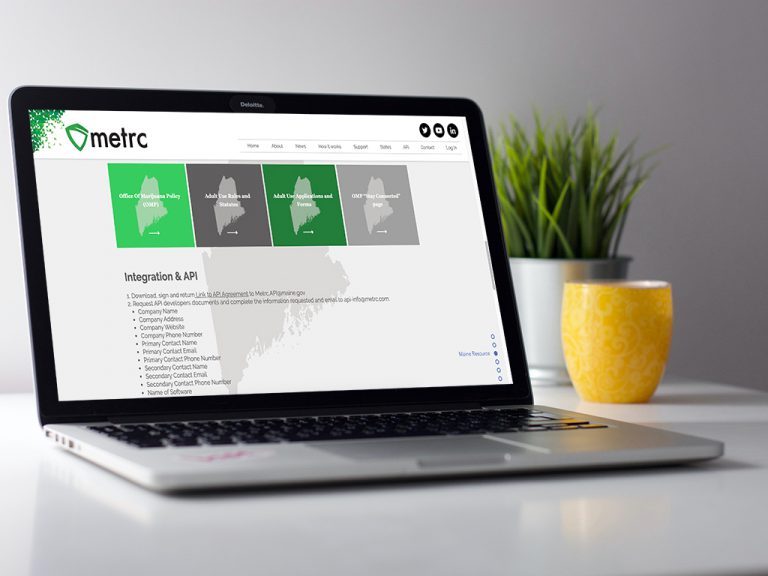
Adilas is pleased to announce that we have been awarded a production API key to Maine’s Metrc system. This opens the door for all of our Maine Medical & Recreational Cannabis partners, giving them the ability to connect to Metrc via API. Here is how it works: 1. Navigate to the Maine page on the Me…
Cannabis UpdatesFrequently Asked QuestionsHelp FilesMETRCMJ Tips and TricksSupportNew Feature…Using Barcode Quick Cart Alongside Smart Group Tiered Pricing
Now Adilas users can take advantage of corp-wide settings that allow them to scan/type a barcode into the shopping cart to add items directly AND scan/type barcodes for items connected to smart group buttons, add weight, and have it entered correctly into the shopping cart. First there are a couple…
Cannabis UpdatesCore FeaturesGeneral News and UpdatesHelp FilesMJ Tips and TricksSupportTips and TricksLoyalty Points Program Now Tracks Actual Cash Value
Most Adilas users will not notice anything different about these upgrades to the loyalty points program, but those who want to track their liability will be interested in these developments, as well as those who aim to comply with new tax rulings regarding loyalty and rewards programs released this…
Core FeaturesGeneral News and UpdatesHelp FilesSupportTips and TricksPayee Permission Homepage
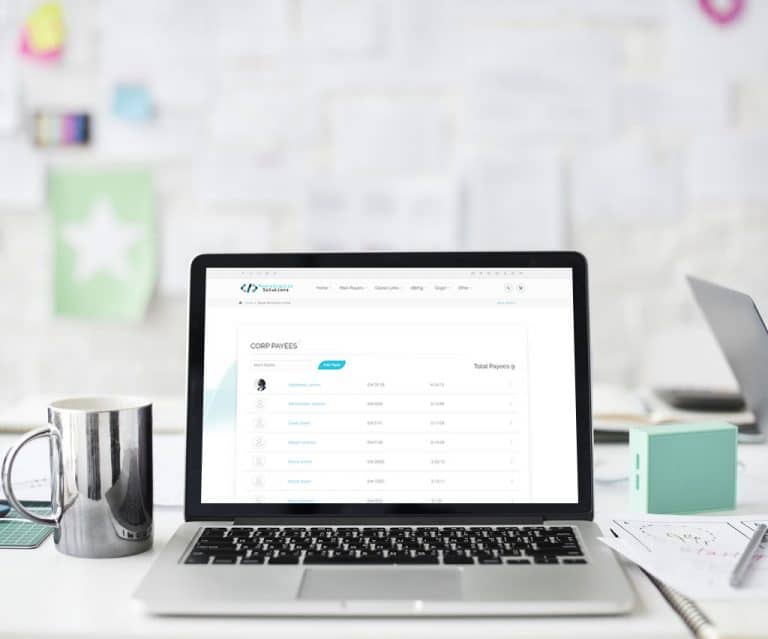
The payee permission homepage has been redesigned to be more mobile friendly, improved look and feel, and a new search filtering option to find payees quicker. How to Get to It: Classic Homepage > Management (tab) > Add/Edit Payees & Permissions (link) Written Instructions In this help file we will…
Core FeaturesGeneral News and UpdatesHelp FilesSupportHow to use the new METRC Dispensary Homepage
Our new functionality automates the process so the system will push invoices to METRC whenever an invoice is created, and then every hour adilas will re-submit any invoices that failed to send to METRC. Additionally, every 15 minutes Adilas will re-sync the current day of records from METRC and wil…
Cannabis UpdatesMETRCMJ Tips and TricksSupportPrinting POS Labels is Easier Than Ever
We have simplified the POS label printing process. Once you start a new cart, click on the settings gear to the left of the “Clear Cart” button near the top of the page. There are three easy settings. Once you set them, they stay set until you change them. 1)Make sure to set auto print to on. 2) If…
Cannabis UpdatesGeneral News and UpdatesHelp FilesMJ Tips and TricksSupportTips and TricksMore Tips for Managing your Loyalty Program
New functionality has been added to the loyalty program and here are some more tips too! Previously, even after you voided an invoice for a customer, the loyalty points would need to be manually removed. Now, when you void the invoice, the points go too! Simply go to the invoice that you need to vo…
Core FeaturesFrequently Asked QuestionsGeneral News and UpdatesHelp FilesSupportTips and TricksMinimal Contact and Social Distancing Update
In response to the COVID-19 (Coronavirus) news sweeping across the globe, we would like to provide solutions to our customers, their clients, and their patients by providing “minimal contact” solutions for your employees and customers. Did you know that Adilas already has a built-in e-commerce plat…
Frequently Asked QuestionsGeneral News and UpdatesHelp FilesSupportTips and TricksTips for Calculating Payroll at the End of the Calendar Year
When running your payroll at the end of the year, it is important to pay attention to the “Use Tax Year” drop down list to ensure that your payroll is included with your liabilities for the month/quarter. For example, say you are calculating your payroll for 12/16/19 through 12/31/19. If you were p…
Core FeaturesFrequently Asked QuestionsGeneral News and UpdatesHelp FilesSupportTips and TricksNew ‘Sub Barcodes’ setting speeds up adding sub inventory to the shopping cart
Go to Manage Corp Info and Permissions. Click on Corp-Wide Settings. Scroll down to setting #37. The default is to have only the “Part Numbers” option selected. If this is the only selection that is chosen, the cart quick search drop-down menu will be hidden (users won’t even see it as an option)…
Cannabis UpdatesCore FeaturesFrequently Asked QuestionsGeneral News and UpdatesHelp FilesMJ Tips and TricksSupportTips and TricksCategory has been added to two invoice report searches
A column for an item’s category is now displayed when you run the invoice line item report and the super invoice line report. To see this new feature, go to your invoice homepage. Click on advanced invoice search tab. Scroll down to filter line details section. Select relevant search information as…
Cannabis UpdatesCore FeaturesGeneral News and UpdatesHelp FilesMJ Tips and TricksSupportTips and TricksPayee Permissions Report
Now you can pull a report that shows all permissions that your employees have. You can access each employee from that report to edit their permissions. To access the report, go to Classic Homepage and navigate to System Management, and Add/Edit Payees and Permissions. Click on More Options and Paye…
General News and UpdatesHelp FilesSupportTips and TricksPrinting 1099 forms in adilas
If you are printing your end of year 1099 forms in adilas, here is a helpful tip. On 1099’s, if you are printing the red copy A’s (data overlay only), one way to print them is to tear off the dot matrix rib and print them that way. On one developer’s printer, they were able to flip the red form
Frequently Asked QuestionsGeneral News and UpdatesHelp FilesSupportTips and Tricks