News & Updates: Support
What's new in adilas: new features, changes and tips. See every topic.
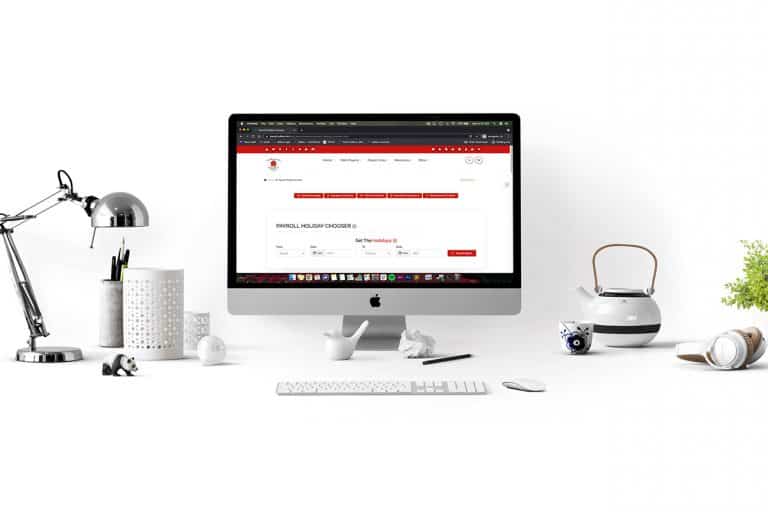
Pre-Set Holiday Dates in Adilas
Now you can pre-set holiday dates in adilas. The new feature allows for up to two years of dates to be flagged as holidays. Once flagged as holiday dates, any hours worked on those dates will be separated out from regular hours, which will make it easier to calculate the required pay for those days…
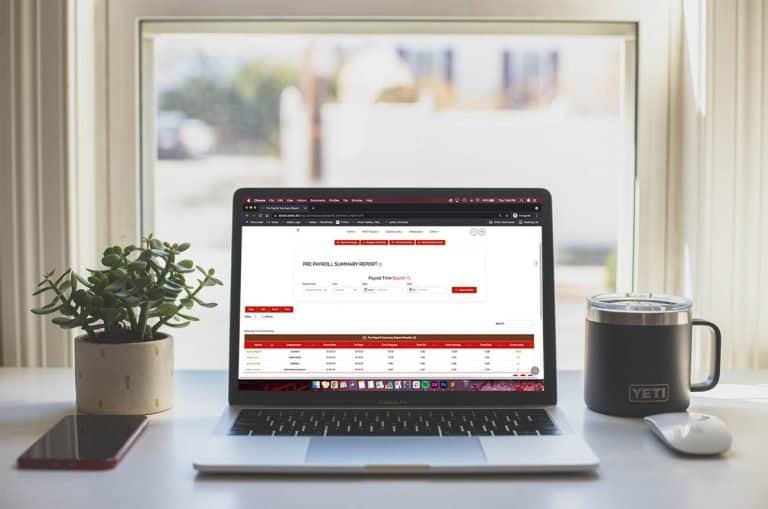
Core FeaturesGeneral News and UpdatesHelp FilesSupportTips and TricksPre Payroll Summary Report
This new report uses the payroll holiday chooser and flags in the time clock to determine what kind of hours your employees have worked. To access this report you will need manager time clock or admin time clock permissions. Once you are on either of those pages, click on the link for pre payroll s…
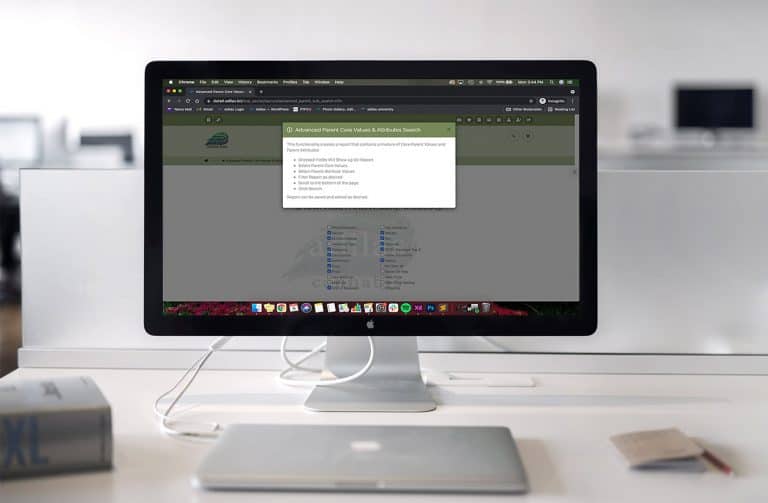
Core FeaturesGeneral News and UpdatesHelp FilesSupportTips and TricksParent Core and Attributes Report
There is a new report on the reports homepage that allows you to search for parent core information, as well as any parent attributes that you have added to your system. These can then be searched as needed, pulled into a report, saved and exported. To navigate to the reports homepage, hover on the…
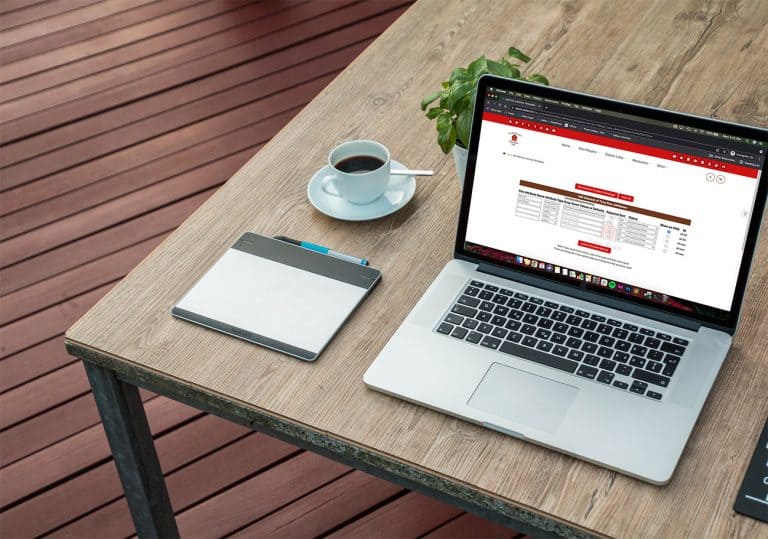
Core FeaturesGeneral News and UpdatesHelp FilesSupportTips and TricksFlex Attributes for Elements of Time
Adilas has expanded the functionality for elements of time by adding a flex attribute table. In addition to all of the existing data points that can be tracked and reported in elements of time, these unlimited, dynamic fields are now also at your fingertips. To access the flex attribute table, go t…
Core FeaturesGeneral News and UpdatesHelp FilesSupportTips and TricksIMPORTANT! New Website Launch, Check Your Login Process
This change may affect some of our customer’s ability to log in. Depending on how you CURRENTLY log in to Adilas will determine if you will need to take action before 5/3/21! PLEASE READ BELOW FOR MORE INFO! Adilas is excited to announce that we will be launching a brand new website in an effort to…
Core FeaturesGeneral News and UpdatesSupportTips and TricksBulk Update for Customer Core Values
There are now three customer fields that can be bulk updated for customer data. To access these bulk update settings, go to the customer homepage. In this corp, they use the name “client” for customer. Click on more options and choose customer core updates. Click on the “i” symbol to access directi…
Core FeaturesGeneral News and UpdatesHelp FilesSupportTips and TricksNew Default for Show Part/Item on the Web
There is a new default setting for your part/item that will automatically show it or hide it from the built-in Adilas e-commerce. From the Classic homepage, click on Reports. Click on Inventory Homepage. Click on More Options, then click on Add/Edit Part Categories. You can activate this setting wh…
Core FeaturesGeneral News and UpdatesHelp FilesSupportTips and TricksPassword Requirements Have Changed for New Users
Adilas now requires an eight character password when creating a new user. Go to the Classic Homepage. Click on System Management. Click on Add/Edit Payees and Permissions. Click on Add Payee. Search for Payee to make sure they don’t already exist in the database. Confirm that search results are zer…
Core FeaturesGeneral News and UpdatesHelp FilesSupportTips and TricksNew Corp-wide Setting: “Active” or “Allow Subs Only” Part Default
Many of our clients use parent parts/items, and this setting will not pertain to them, as the “default” default for parts/items will still be “active”. For those clients who use sub inventory, the new default for “Allow Subs Only” will be helpful for designating any future parent item’s default sta…
Cannabis UpdatesCore FeaturesGeneral News and UpdatesHelp FilesMJ Tips and TricksSupportTips and Tricks2020 1099 NEC and 1099 MISC are now live in Adilas
The IRS rolled out a new 1099 for the tax year 2020 for non-employee compensation. This is called the 1099 NEC. Previously this income was reported on the 1099 MISC. Adilas has made both of these forms available to its clients. In order to populate these forms, you will need to ensure the vendors h…
Frequently Asked QuestionsGeneral News and UpdatesHelp FilesSupportTips and TricksNew Year, New Password
In an effort to be proactive with our security measures in an ever-evolving 3D data world, Adilas suggests that all of our customers take a moment at the beginning of each year to increase their password security level to ensure the protection of their data. So, how do you create the ideal password…
General News and UpdatesSupportTips and TricksNew Tech Support Number for Adilas
To our clients, Starting Tuesday, January 19th Adilas will be implementing a new service called Adilas Phones. The new phone number is 720-740-3076. You will be prompted to select from the below menu options. This will help us better address your needs when you call in. The support email will remai…
Core FeaturesFrequently Asked QuestionsGeneral News and UpdatesHelp FilesSupportTips and TricksW-2 for 2020 is Uploaded with New Feature!
Adilas users can now run their 2020 W-2’s. Please note that we have added a new function so that you may now enter your state and your employer state id number in Adilas and it will auto-populate in the W-2. To locate the page with these new fields, click on Liabilities from the Classic Homepage. C…
Core FeaturesFrequently Asked QuestionsGeneral News and UpdatesHelp FilesSupportTips and TricksMost recent info:Update to Flash to Html5 Conversion
Please insure your settings are correct for the labels and printers. Some settings below: Adilas setting, Printer settingLabel Size: 3/4 x 2, Paper size: 30330 Return AddressLabel size: 2 x 3/4, Paper size: 30330 Return Address Label Size: 1 x 2, Paper size: 30330Label size: 2 x 1, Paper size: 3033…
Core FeaturesFrequently Asked QuestionsGeneral News and UpdatesHelp FilesSupportTips and TricksHappy New Year!!
Adilas would like to say Happy New Year to all of our clients! We look forward to 2021 being a fabulous year, with new updates and functionality to help make your work easier and more efficient. Please remember we are always open to new ideas and suggestions. Again, HAPPY NEW YEAR FROM THE ADILAS T…
Cannabis UpdatesCore FeaturesGeneral News and UpdatesHelp FilesMETRCMJ Tips and TricksSupportTips and Tricks