News & Updates: Core Features
What's new in adilas: new features, changes and tips. See every topic.
New Gift Card Function Live on All Servers
Now you can sell gift cards in adilas and customers can use them for purchases. Please follow the instructions below for setup. If you have any questions or need help setting this up in your system, you can email Sean Carlton at sean.carlton@adilas.biz. First you will need to create a new inventory…
Core FeaturesGeneral News and UpdatesHelp FilesTips and TricksElements of Time Homepage Will Have a New Look
In the next week or two, the Elements of Time Homepage will have a new look. The homepage for Elements of Time works the same but has some added functionality. Please see image below and refer to the numbered list underneath for details. 8. This is the grouped view. Please see screenshot below. 9…
Core FeaturesGeneral News and UpdatesHelp FilesAdd Due Date and Credit Terms to Invoices
Now you can view your invoice due date and credit terms on your invoice. There are several settings that need to be configured in order to see this information on your invoices. From the classic homepage, click on management, then manage corp info and permissions. Click on corp-wide settings. Then…
Core FeaturesGeneral News and UpdatesHelp FilesSupportTips and TricksTrack Project Time in Elements of Time
Elements of Time is a robust component of adilas that has myriad applications for your business. This update highlights new functionality that allows you to track time that has been spent on specific activities/projects by one or multiple people in your company. To get started with Elements of Time…
Core FeaturesGeneral News and UpdatesHelp FilesTips and TricksNew Look for Working with Time
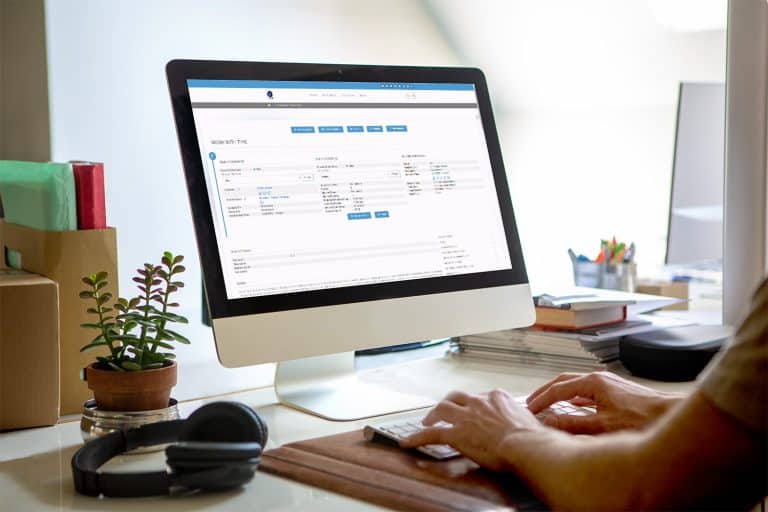
There is a new look for the Working with Time page. When you click on an Element of Time that you have scheduled on your Elements of Time Homepage, the new layout will look similar to the screenshot below. This is completely based on how your time template is set up, so yours may differ from this e…
Core FeaturesGeneral News and UpdatesHelp FilesSupportTips and TricksNew CRM Report: Show All Email Addresses
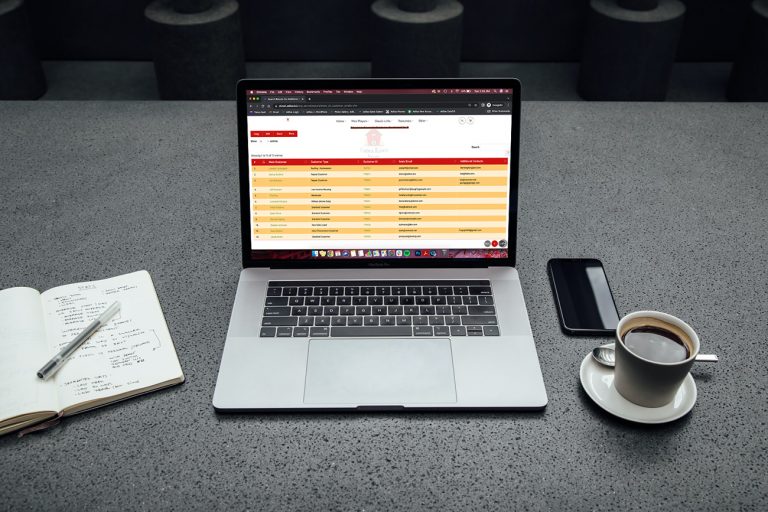
Now you can run a report to show the email addresses from your main contact information, as well as your additional contact information. From the classic homepage, click on system maintenance. Click on customer homepage. Click on advanced customer search**please note that the word “customer” is dyn…
Core FeaturesGeneral News and UpdatesHelp FilesTips and TricksAdilas.biz Security and Data Loss Prevention Information
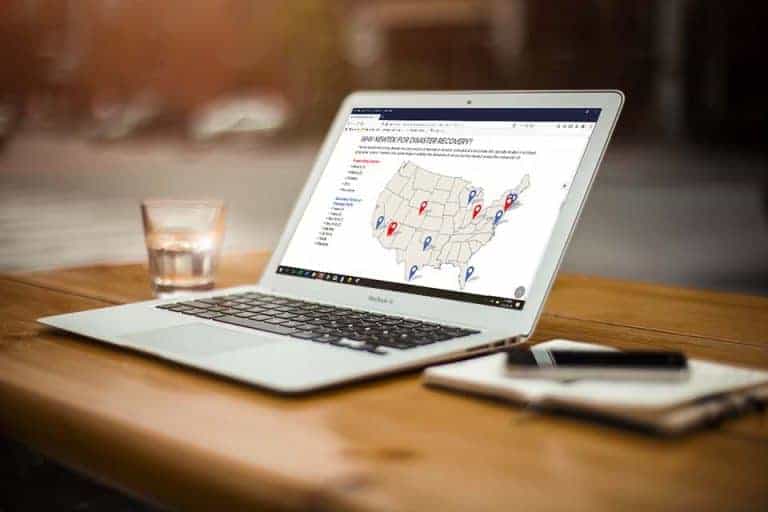
Security at adilas.biz is provided within the system architecture and by Hostek. Hostek is a leading, managed technology, I.T. infrastructure, and Web hosting company that has been around since 1998. Adilas backups are provided and stored on-site at Hostek. Operations are based out of Tulsa, Oklaho…
Core FeaturesFrequently Asked QuestionsGeneral News and UpdatesScheduled Expense Receipts
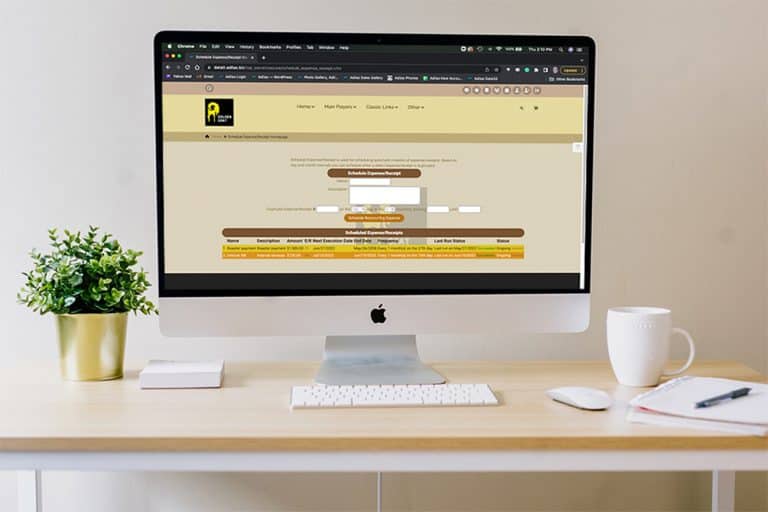
Did you know that Adilas has a function for scheduling reoccurring expense receipts? These Scheduled ERs work best for reoccurring expenses where the vendor, dollar amount, and BSI bump option (how it is entered on the balance sheet) are the same each time (monthly, quarterly, annually). First, you…
Core FeaturesGeneral News and UpdatesSupportTips and TricksNew Metrc API Homepage Look/Feel
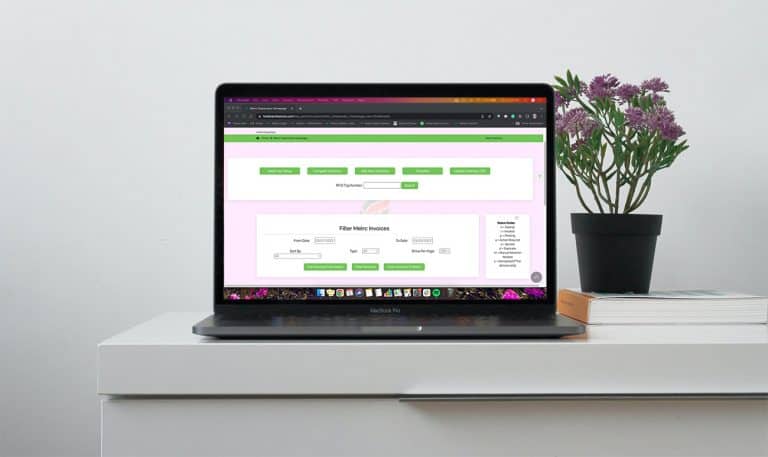
In an effort to modernize the look and feel of the Adilas system, we will be launching an updated view of our Metrc API Homepage. This new view includes minimal changes to the functionality of the page and mostly deals with the arrangement and placement of the buttons within the page. The “More Opt…
Cannabis UpdatesCore FeaturesSupportPO Line Item Rounding for Internal Builds
Adilas has a way for every PO Line Item (on all PO types) to go through a rounding function where the system will do the calculations in the background for you. There is a keyword of “auto” that we use behind the scenes that is used to force the math update. If a real rounding number is submitted m…
Cannabis UpdatesCore FeaturesGeneral News and UpdatesMJ Tips and TricksTips and TricksImportant Update: New Look & Feel for Items/Parts Pages
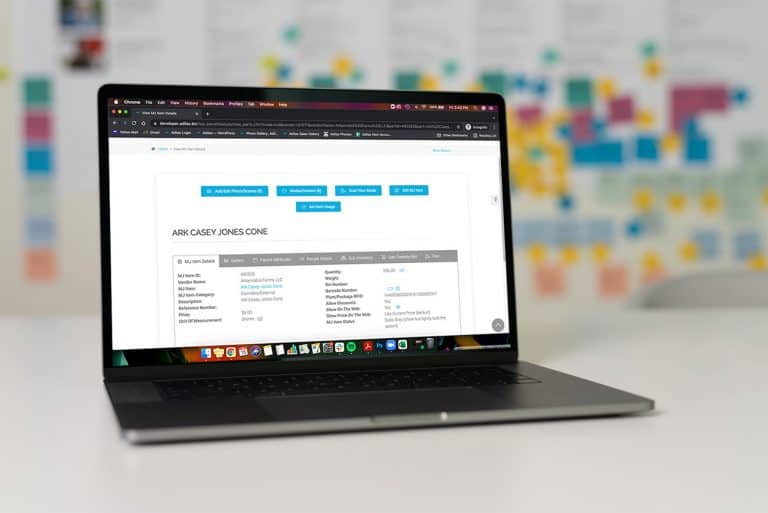
First of all, we would like to extend a sincere apology to our clients for the inconvenience and confusion that was caused by our update, which occurred on the morning of February 24th, 2022. Some of the updates have been reverted back to their original state until we can come up with a better solu…
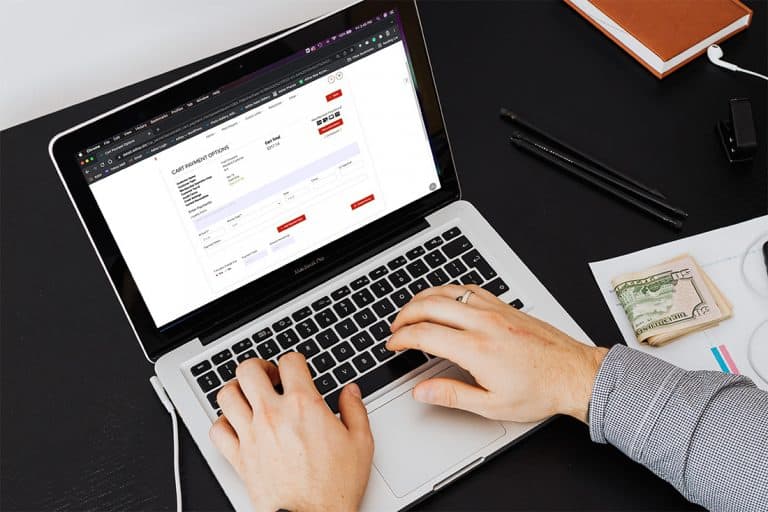
Cannabis UpdatesCore FeaturesGeneral News and UpdatesMJ Tips and TricksTips and TricksNew Look/Feel for Start Cart, Discount Calc, & Payment Screens
In an effort to modernize the look and feel of Adilas, we have made some recent changes to the following pages: Start New Cart Discount Calc Checkout/Payment PLEASE NOTE: There have been no changes to the functionality of these three areas, only the look and feel have been revised. We will continue…
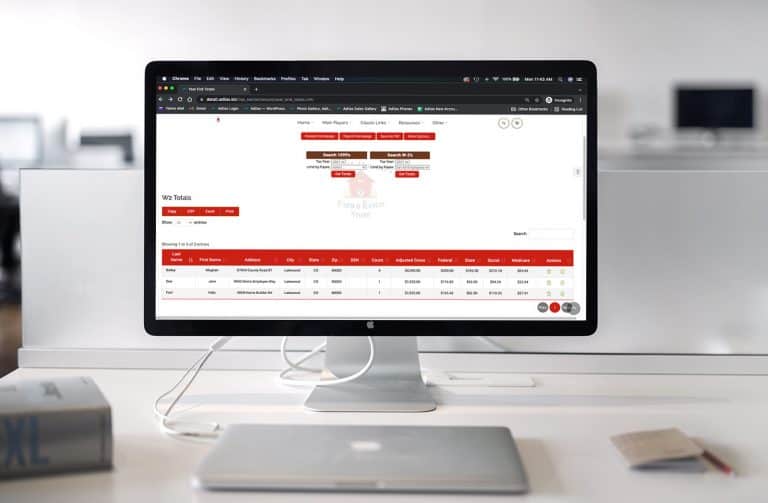
Cannabis UpdatesCore FeaturesGeneral News and UpdatesYear End Totals Page Has New Functionality and New Forms
We hope our clients find the new year-end totals page more helpful when viewing their W-2 and 1099 reports. To access the page from the classic homepage, click on the Liabilities tab. Then click on Payroll Homepage. From here you will see a link at the top called “Year End Totals.” Click on this bu…
Core FeaturesGeneral News and UpdatesHelp FilesTips and TricksNew Sort Functions Now Available on Balance Sheet
Users will notice that their existing user maintained balance sheet items are now in numerical order starting with the number “1.” These numbers were system generated when the item was created. All subsequent user maintained balance sheet items will follow suit in numerical order. If you wish to re…
Core FeaturesGeneral News and UpdatesHelp FilesTips and TricksVenmo Money Type Added to Adilas
Now Venmo is available as a money type in adilas. In order to add this money type to your list, you will need to access the money type settings page. From the Classic homepage, click on Management. Then click on Manage Corp Info & Permissions. Click on more options. Click on the link for Select Mon…
Core FeaturesFrequently Asked QuestionsGeneral News and UpdatesHelp FilesTips and Tricks