News & Updates: Support
What's new in adilas: new features, changes and tips. See every topic.
New Look for Employee Payroll Withholding Fields and New Fields for Employer Withholding
Adilas has edited some existing fields in payroll to help address the new withholding for FAMLI in the state of Colorado. These fields are available to anyone requiring additional withholding for payroll, but for this update we will focus on how this helps with this particular withholding scenario…
General News and UpdatesHelp FilesSupportUse the New Look for 2023 or Keep the Old Look
You most likely have noticed some new looking pages in Adilas, particularly in the banking area. If you don’t want to use the new pages, you can switch a setting and have access to the old look. You can always switch back to the new look when you have the time or feel like you are ready for the cha…
Core FeaturesGeneral News and UpdatesHelp FilesSupportTips and TricksNew Interface for Online Scheduling
**Please read news and update titled “Flex Grid Tie In Settings Required for Online Scheduling” first. Now your clients can reserve their spot for events or appointments online through your integrated Adilas e-commerce. To start, you will need to create a master time template for Elements of Time…
Core FeaturesGeneral News and UpdatesHelp FilesSupportTips and TricksFlex Grid Tie In Settings Required for Online Scheduling
In order to use the online scheduling interface, there is some manual setup required at this time. We intend to automate these settings in the future. When we do automate them, we will also open it up to be more dynamic per company to help fit your scheduling needs. For the time being, please follo…
Core FeaturesGeneral News and UpdatesSupportTips and TricksNew Permission Now Required for Certain Settings in Adilas
We have added a new permission to access the following page settings: Cultivation, Production, Gram control in the shopping cart, and MMJ Homepage settings. You will need to assign yourself or be assigned this permission (id=176) before you can access these pages. Until then, when you try to access…
Cannabis UpdatesGeneral News and UpdatesHelp FilesMJ Tips and TricksSupportTips and TricksAdd Invoice Only “Permission”
Now there is a new limiting permission which restricts the user from viewing more than one invoice at a time. If the user has basic invoice permissions, they can operate in a shopping cart and make a sale. They can also look at the last invoice created. To find the permission, do a ‘ctrl f’ for 175…
Frequently Asked QuestionsGeneral News and UpdatesHelp FilesSupportTips and TricksAdd Due Date and Credit Terms to Invoices
Now you can view your invoice due date and credit terms on your invoice. There are several settings that need to be configured in order to see this information on your invoices. From the classic homepage, click on management, then manage corp info and permissions. Click on corp-wide settings. Then…
Core FeaturesGeneral News and UpdatesHelp FilesSupportTips and TricksNew Look for Working with Time
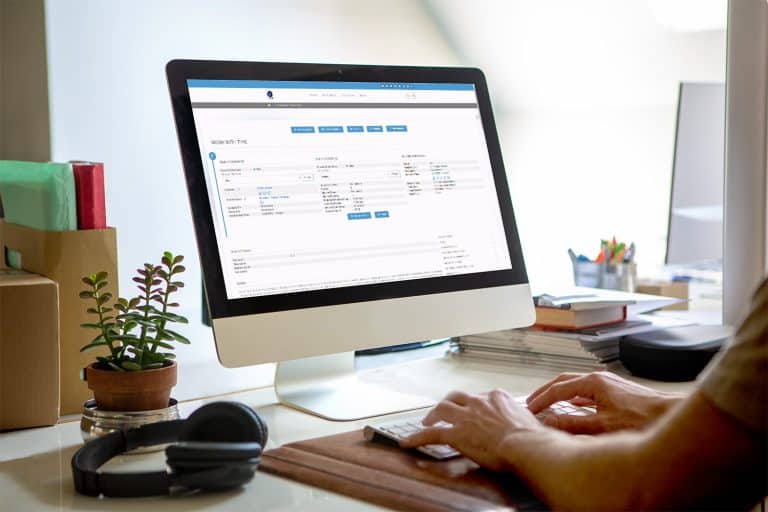
There is a new look for the Working with Time page. When you click on an Element of Time that you have scheduled on your Elements of Time Homepage, the new layout will look similar to the screenshot below. This is completely based on how your time template is set up, so yours may differ from this e…
Core FeaturesGeneral News and UpdatesHelp FilesSupportTips and TricksScheduled Expense Receipts
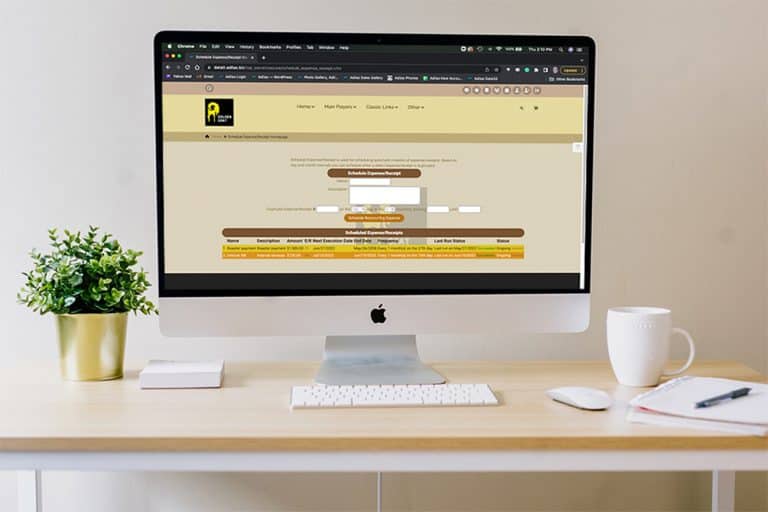
Did you know that Adilas has a function for scheduling reoccurring expense receipts? These Scheduled ERs work best for reoccurring expenses where the vendor, dollar amount, and BSI bump option (how it is entered on the balance sheet) are the same each time (monthly, quarterly, annually). First, you…
Core FeaturesGeneral News and UpdatesSupportTips and TricksNew Metrc API Homepage Look/Feel
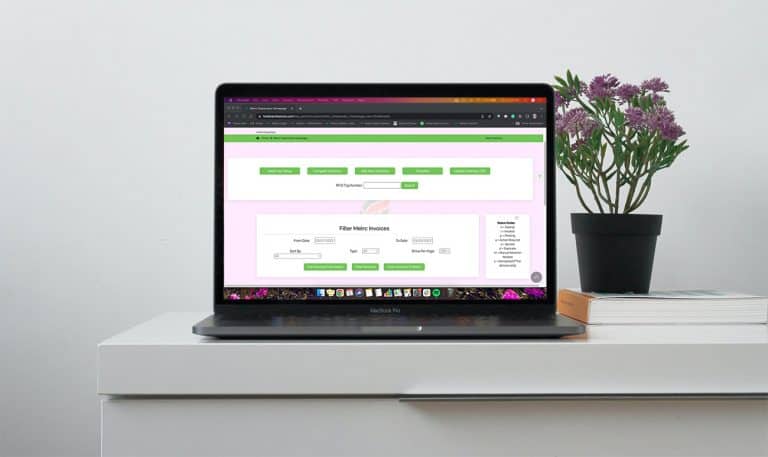
In an effort to modernize the look and feel of the Adilas system, we will be launching an updated view of our Metrc API Homepage. This new view includes minimal changes to the functionality of the page and mostly deals with the arrangement and placement of the buttons within the page. The “More Opt…
Cannabis UpdatesCore FeaturesSupportREMINDER: Data 4 Server Maintenance 4/26/22 from 2 am – 4 am MST
NOTE: This message only applies to our current clients who reside on our Data 4 server. To see which server you are on and if this message applies to you, please look in the URL bar of your browser. If it says data4.adilas.biz this message is for you (see example below). We do not expect any of our…
General News and UpdatesSupport2021 Year-End System Assessment
Adilas is now offering an end-of-the-year review service for our clients, to assist with closing 2021. The assessment starts at $300 and we will examine the following areas of your Adilas system: Balance Sheet System Maintained Assets Banks Accounts Receivable Inventory Liabilities Accounts Payable…
Cannabis UpdatesGeneral News and UpdatesMJ Tips and TricksSupportTips and TricksServer Update – 01/04/2022
If you are currently experiencing slowness and delays while using your Adilas system, please know that we are aware of the issue and working closely with Hostek to resolve it. The error is upstream of our server farm’s data center. When the outage occurred, Hostek switched to their backup connectio…
General News and UpdatesSupportImportant Message to Colorado Medical Marijuana Centers/Dispensaries
It is imperative for our Colorado Medical Marijuana Centers, still utilizing end-of-day CSV uploads to report sales to METRC, to contact us before January 1st, 2022, to switch to our new upgraded LIVE transactional reporting! There are a couple of ways to determine if you are set up for CSV reporti…
Cannabis UpdatesMETRCMJ Tips and TricksSupportManufacturing Recipe Yield Multiplier
Recipes can now be multiplied with a quick number adjustment. From the production homepage click on the link for recipes. If you need help creating recipes, please refer to news and update “How to Create a New Recipe”. Click on the recipe you wish you use. If you click on the green text below the r…
Cannabis UpdatesCore FeaturesGeneral News and UpdatesHelp FilesMETRCMJ Tips and TricksSupportTips and Tricks