News & Updates: MJ Tips and Tricks
What's new in adilas: new features, changes and tips. See every topic.
Happy New Year!!
Adilas would like to say Happy New Year to all of our clients! We look forward to 2021 being a fabulous year, with new updates and functionality to help make your work easier and more efficient. Please remember we are always open to new ideas and suggestions. Again, HAPPY NEW YEAR FROM THE ADILAS T…
Cannabis UpdatesCore FeaturesGeneral News and UpdatesHelp FilesMETRCMJ Tips and TricksSupportTips and TricksAdd JPEGS to Customer Profile in E-Commerce
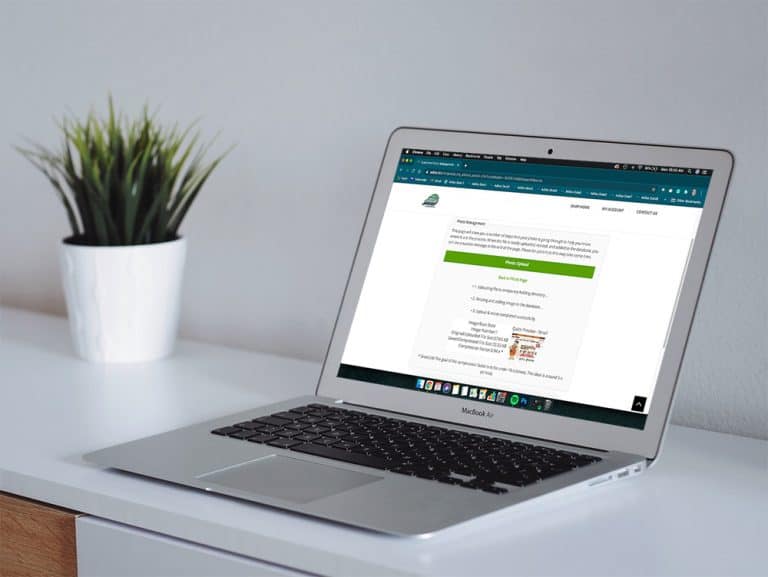
To help support contactless sales in Adilas, online shoppers can now upload photos of documents necessary for shopping directly into their customer profiles. **Please note this is only for jpegs. To activate this setting in your Adilas e-commerce, hover on ‘Other’ link at the top of any page, then…
Core FeaturesGeneral News and UpdatesHelp FilesMJ Tips and TricksSupportTips and TricksAge Verification Settings in E-Commerce
If your corporation uses Adilas’s e-commerce there are two new settings that you may use. From any page in Adilas, hover on ‘Other’ at the top of the page. Scroll down and hover on “Other Settings.” Choose E-Commerce Settings from the drop down list. Click on E-Commerce options on the right side of…
General News and UpdatesHelp FilesMJ Tips and TricksTips and TricksAdilas Adds Certification for METRC in Maine
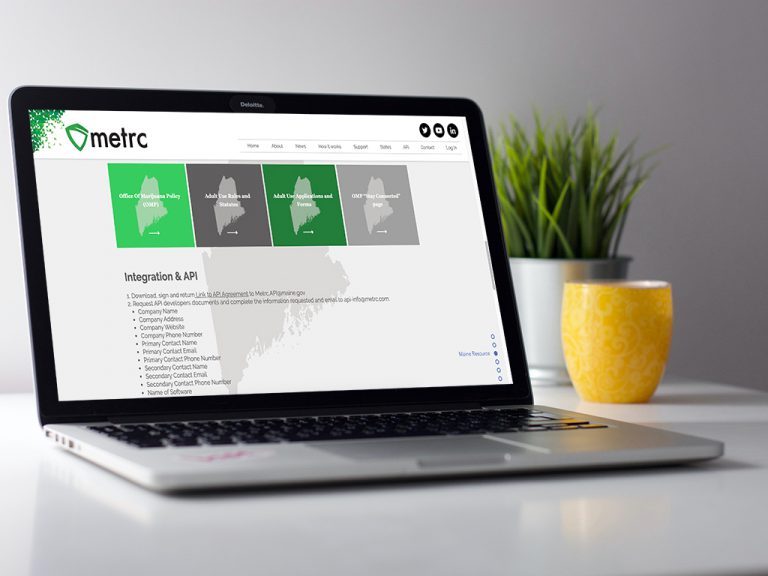
Adilas is pleased to announce that we have been awarded a production API key to Maine’s Metrc system. This opens the door for all of our Maine Medical & Recreational Cannabis partners, giving them the ability to connect to Metrc via API. Here is how it works: 1. Navigate to the Maine page on the Me…
Cannabis UpdatesFrequently Asked QuestionsHelp FilesMETRCMJ Tips and TricksSupportNew Feature…Using Barcode Quick Cart Alongside Smart Group Tiered Pricing
Now Adilas users can take advantage of corp-wide settings that allow them to scan/type a barcode into the shopping cart to add items directly AND scan/type barcodes for items connected to smart group buttons, add weight, and have it entered correctly into the shopping cart. First there are a couple…
Cannabis UpdatesCore FeaturesGeneral News and UpdatesHelp FilesMJ Tips and TricksSupportTips and TricksGreen Kiosks announces their integration with Adilas
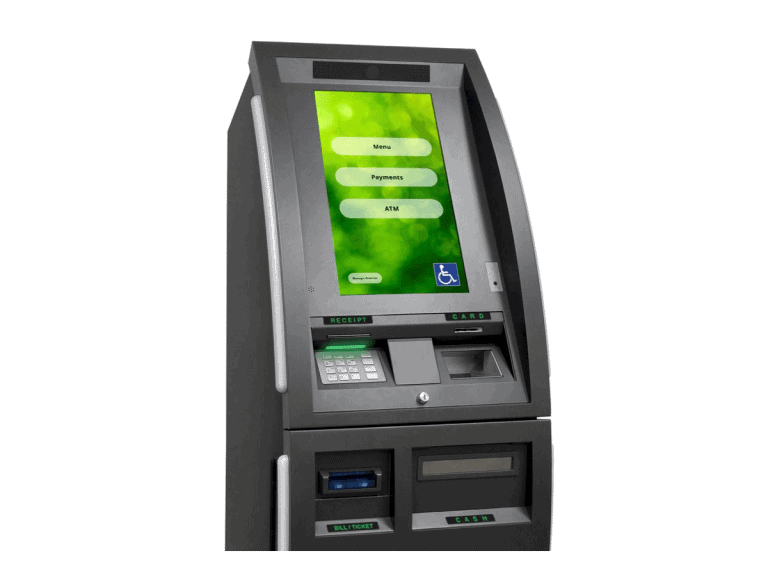
Dispensary Kiosk Services Green Kiosks use driver’s license scanning technology to simplify the customer check-in process. Each multilingual QuotePro Kiosk is built on a proven ATM platform that accepts cash payments and is able to make change to the penny. Our online payment reporting services hel…
Cannabis UpdatesMJ Tips and TricksHow to use the new METRC Dispensary Homepage
Our new functionality automates the process so the system will push invoices to METRC whenever an invoice is created, and then every hour adilas will re-submit any invoices that failed to send to METRC. Additionally, every 15 minutes Adilas will re-sync the current day of records from METRC and wil…
Cannabis UpdatesMETRCMJ Tips and TricksSupportHow to do a Wholesale Transfer Invoice
There are new settings that allow you to create a wholesale transfer invoice in adilas. These settings accomplish three things: 1) You can sell inventory at cost without manipulating the items in the cart. 2) You can add a mark-up for wholesale without manipulating the items in the cart. 3) If you…
Cannabis UpdatesGeneral News and UpdatesHelp FilesMETRCMJ Tips and TricksTips and TricksImprovements to the Metrc Api Sales Interface
Adilas has been working on a new Metrc api sales interface to ease some of the frustrations our clients are experiencing when transmitting daily sales to the state reporting software. This has been an eight month long and thousands of dollars endeavor. We understand the importance of compliance and…
Cannabis UpdatesMETRCMJ Tips and TricksPrinting POS Labels is Easier Than Ever
We have simplified the POS label printing process. Once you start a new cart, click on the settings gear to the left of the “Clear Cart” button near the top of the page. There are three easy settings. Once you set them, they stay set until you change them. 1)Make sure to set auto print to on. 2) If…
Cannabis UpdatesGeneral News and UpdatesHelp FilesMJ Tips and TricksSupportTips and TricksNow adilas Cultivation Can Handle Much Larger Plant Batches
In order to allow for larger batch sizes or movements of large numbers of plant, Adilas has created new code to cut down on the load times by creating new settings for cultivation. This setting will determine how many plants you can view and manipulate at one time, and can be changed as often as ne…
Cannabis UpdatesHelp FilesMJ Tips and TricksBuilding Complex Labels (a.k.a. mini conversions)
This mini conversion code is useful for barcoding bulk flower to sell as packaged units. You may break the flower into pre-rolls, grams, 1/8ths, 1/4’s, 1/2’s, and oz’s, and push any remaining value to Metrc as waste. You may enter the number of units, the weight in grams of each unit, and the price…
Cannabis UpdatesMJ Tips and TricksBulk Update Parent RFID Field and Web Status
Now you can bulk update the parent RFID field and the parent web status. As with the other parent updates, you will access this through global parts markup link, which is under system maintenance. If you don’t see this as an option, you will need the permission id=74. Once you click on global parts…
Cannabis UpdatesCore FeaturesGeneral News and UpdatesHelp FilesMJ Tips and TricksTips and TricksNew ‘Sub Barcodes’ setting speeds up adding sub inventory to the shopping cart
Go to Manage Corp Info and Permissions. Click on Corp-Wide Settings. Scroll down to setting #37. The default is to have only the “Part Numbers” option selected. If this is the only selection that is chosen, the cart quick search drop-down menu will be hidden (users won’t even see it as an option)…
Cannabis UpdatesCore FeaturesFrequently Asked QuestionsGeneral News and UpdatesHelp FilesMJ Tips and TricksSupportTips and TricksCategory has been added to two invoice report searches
A column for an item’s category is now displayed when you run the invoice line item report and the super invoice line report. To see this new feature, go to your invoice homepage. Click on advanced invoice search tab. Scroll down to filter line details section. Select relevant search information as…
Cannabis UpdatesCore FeaturesGeneral News and UpdatesHelp FilesMJ Tips and TricksSupportTips and Tricks