News & Updates
What's new in adilas: new features, changes and tips.
Metrc – Sync Package Table
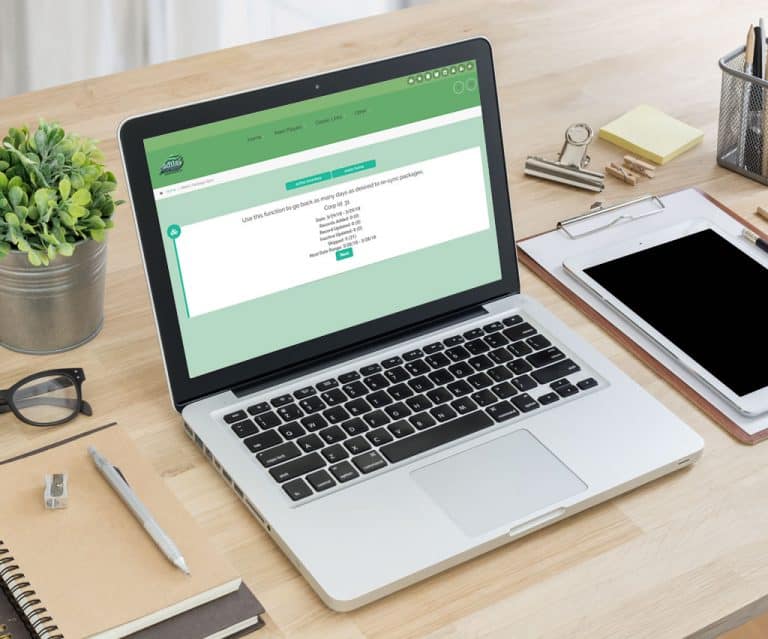
Metrc – Sync/Update Package Table The Metrc package table can now be resynced and updated for prior days. Each server has an auto process that runs each evening; however, in the event this skips or fails, you have the option of doing a manual update for as many days as desired. From the Compare Inv…
Cannabis UpdatesMJ Tips and TricksVoided Expense – Did Not Void
Voided Expense – Did Not Void All The Way There are many reasons this could happen, for example: One person has the expense open and another person is voiding the expense. In this case, the one user doesn’t get to see what was done until the page is submitted, thus creating a disconnect. Another wa…
Frequently Asked QuestionsSupportTips and TricksE-mail Invoices
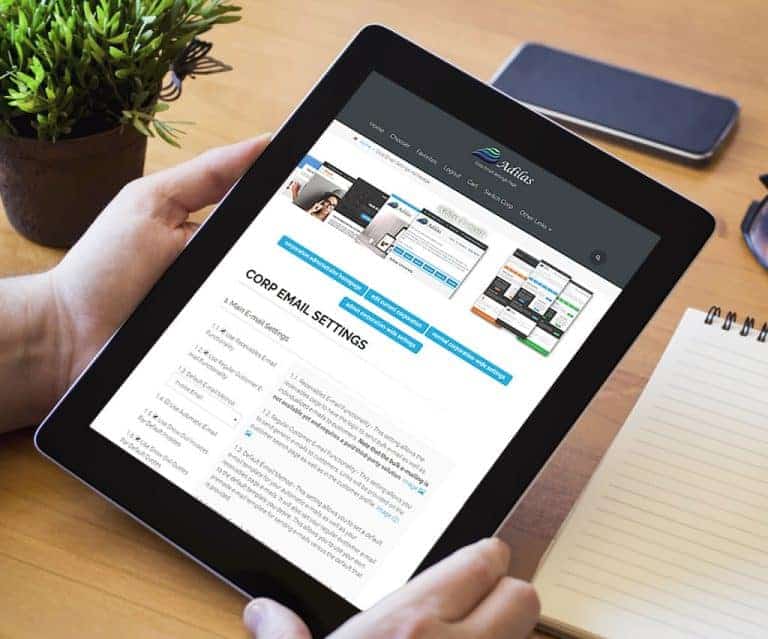
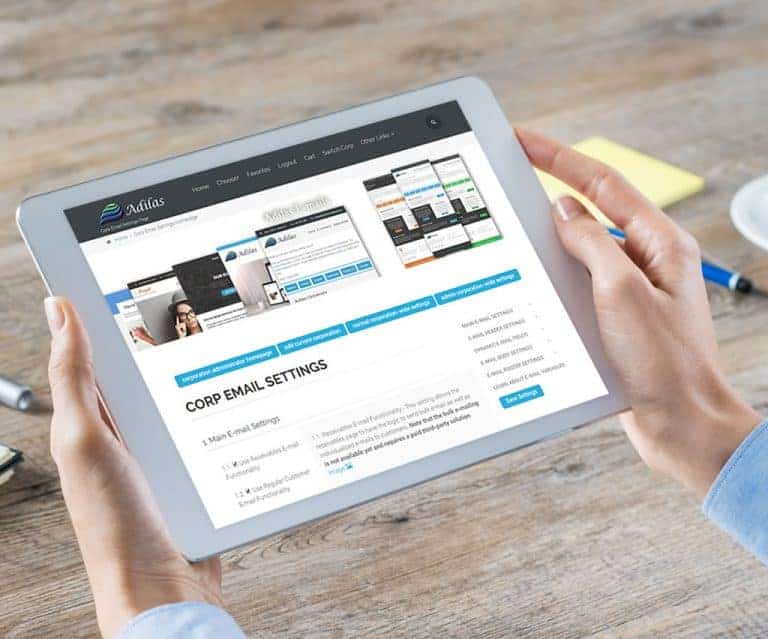
E-mail Invoices Adilas has the ability to e-mail invoices. This feature has actually been available for some time, but now includes the new e-mailing system with all its variables and capabilities. How to E-mail Invoices: Home (header tab) > Invoice Homepage > Select an invoice (select the printabl…
General News and UpdatesTips and TricksE-mail Quotes
E-mail Quotes Adilas has the ability to e-mail quotes. This feature has actually been available for some time, but now includes the new e-mailing system with all its variables and capabilities. How to E-mail Quotes: Home (header tab) > Quote Homepage > Select a Quote (select the printable link opti…
General News and UpdatesTips and TricksPassword Retrieval/Renewal
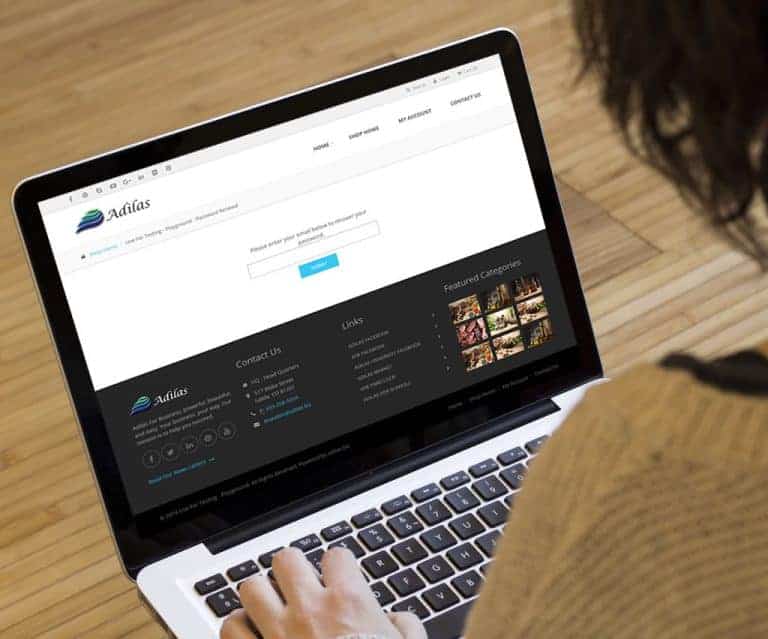
Password Retrieval/Renewal This feature is slightly misnamed as labeled below. It really should be called password retrieval. It allows a customer to be able to retrieve their password if they enter in a valid e-mail. The password will be sent to their e-mail account as a security measure. They can…
General News and UpdatesTips and TricksUser Settings
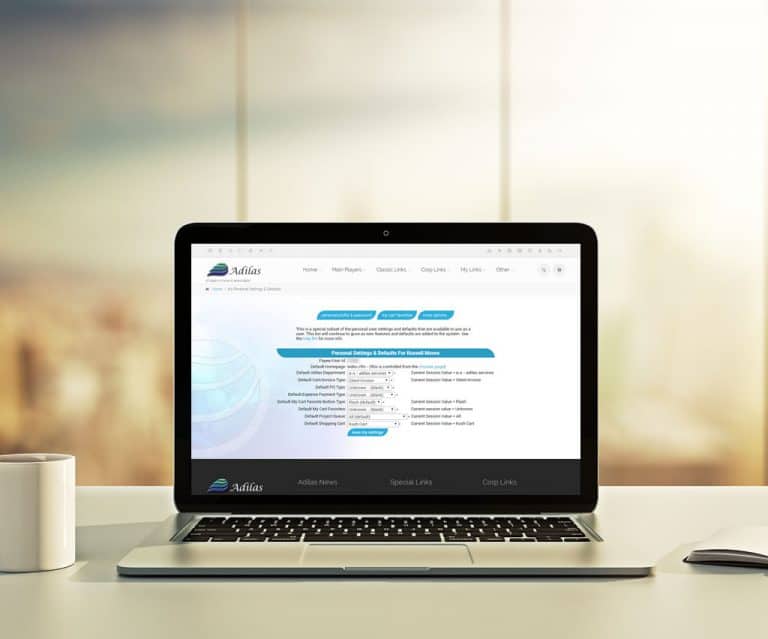
User Settings Did you know that each user can select default settings for common tasks to make processes easier? Here are the available user settings as of 4/10/18. How to Get to User Settings: Select the user plus icon in the header You’re good to go. You can set up for yourself all the defaults y…
Tips and TricksNew – News and Updates Homepage
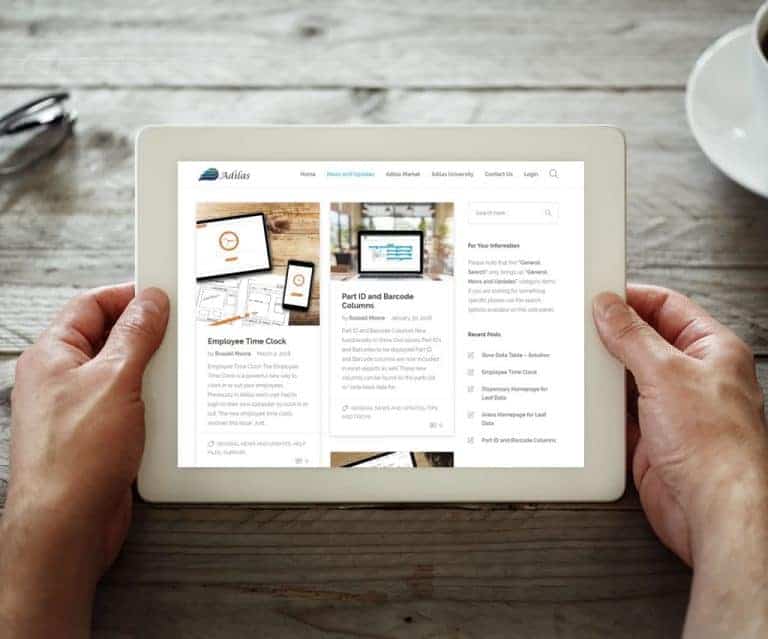
New – News and Updates Homepage The new “News and Updates” is designed to be the go to place for all Adilas resources and updates. Eventually it will also connect out to the Adilas University. The new “News and Updates” page will let you know when there are updated courses, new third-party solution…
General News and UpdatesTips and TricksSlow Data Table – Solution
Slow Data Table – Solution Data Tables are an exciting new feature to the Adilas system. Unfortunately sometimes they also cause problems, mainly load time. If this problem occurs, feel free to disable the data tables for that specific task and then turn them on again as desired. How to do That: Ot…
SupportTips and TricksEmployee Time Clock
Employee Time Clock The Employee Time Clock is a powerful new way to clock in or out your employees. Previously in Adilas each user had to login to their own computer to clock in or out. The new employee time clock resolves this issue. Just set up one station whether at a computer or on an iPad and…
General News and UpdatesHelp FilesSupportDispensary Homepage for Leaf Data
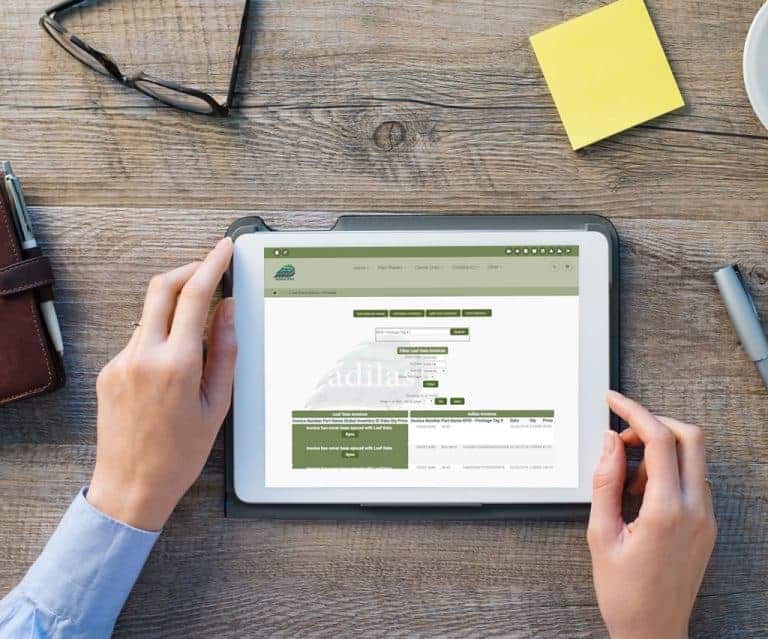
Dispensary Homepage for Leaf Data Leaf Data now has a Dispensary Homepage! Search invoices within a data range or by Control/RFID tag number. Sync Leaf Data invoice with Adilas invoices.
Cannabis UpdatesMJ Tips and TricksAreas Homepage for Leaf Data
Areas Homepage for Leaf Data Leaf Data now has an Areas Homepage! Users can save to Excel or print to PDF, sort columns, and use the multi search to filter. To filter/search simply type in the desired data, hit the space bar, and type in any additional criteria.
Cannabis UpdatesPart ID and Barcode Columns
Part ID and Barcode Columns New functionality in Snow Owl allows Part ID’s and Barcodes to be displayed Part ID and Barcode columns are now included in Excel exports as well These new columns can be found on the parts list w/look-back date for Parts, Lines-list, and Lines-group for Purchase Orders
General News and UpdatesTips and TricksE-commerce – Related Items
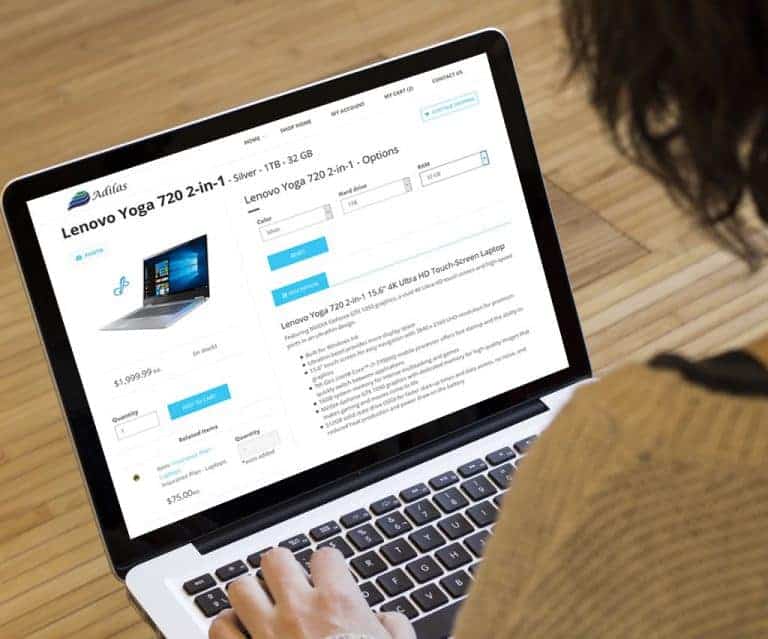
E-commerce – Related Items Have items that need to be sold together? This feature is for you! Tie associated items together using web related items on the add/edit item page You can make related items required when purchasing You can specify a quantity on required related items Related items can on…
General News and UpdatesHelp FilesTips and TricksAdd Additional Vendor/Payee
Add Additional Vendor/Payee You can now add an additional Vendor/Payee to PO’s and Expenses/Receipts Select additional vendors you want to be active on the PO Homepage Additional vendors are displayed in a drop down list when creating a new PO or Expense/Receipt Don’t like scrolling through drop-do…
General News and UpdatesTips and TricksStrains Homepage for Leaf Data
Strains Homepage for Leaf Data Leaf Data now has a Strains Homepage! Users can save to Excel or print to PDF, sort columns, and use the multi search to filter. To filter/search simply type in the desired data, hit the space bar, and type in any additional criteria.
Cannabis Updates