News & Updates: Frequently Asked Questions
What's new in adilas: new features, changes and tips. See every topic.
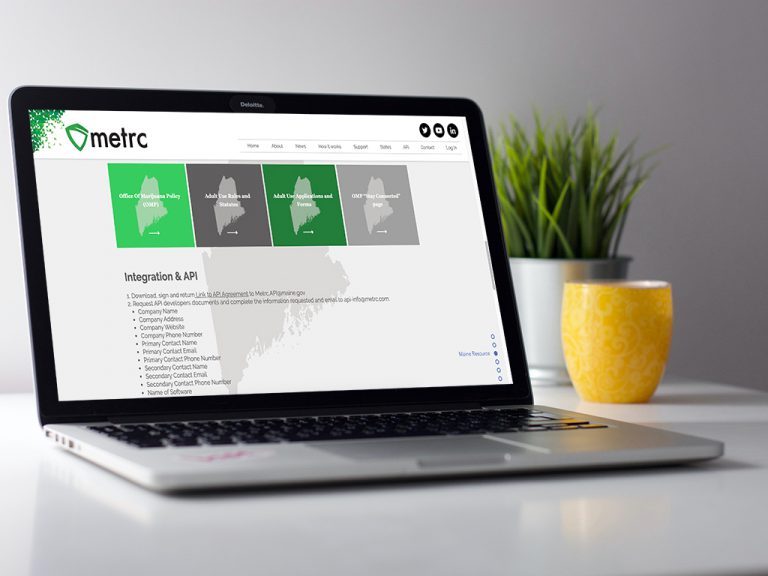
Adilas Adds Certification for METRC in Maine
Adilas is pleased to announce that we have been awarded a production API key to Maine’s Metrc system. This opens the door for all of our Maine Medical & Recreational Cannabis partners, giving them the ability to connect to Metrc via API. Here is how it works: 1. Navigate to the Maine page on the Me…
Cannabis UpdatesFrequently Asked QuestionsHelp FilesMETRCMJ Tips and TricksSupportMore Tips for Managing your Loyalty Program
New functionality has been added to the loyalty program and here are some more tips too! Previously, even after you voided an invoice for a customer, the loyalty points would need to be manually removed. Now, when you void the invoice, the points go too! Simply go to the invoice that you need to vo…
Core FeaturesFrequently Asked QuestionsGeneral News and UpdatesHelp FilesSupportTips and TricksMinimal Contact and Social Distancing Update
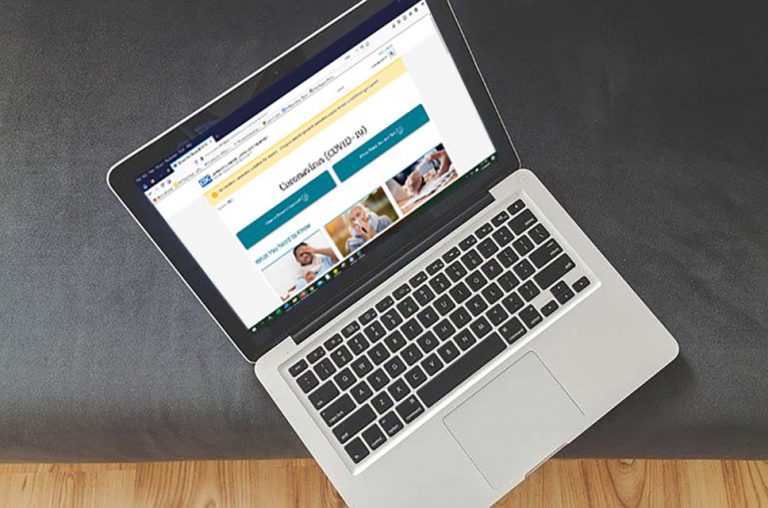
In response to the COVID-19 (Coronavirus) news sweeping across the globe, we would like to provide solutions to our customers, their clients, and their patients by providing “minimal contact” solutions for your employees and customers. Did you know that Adilas already has a built-in e-commerce plat…
Frequently Asked QuestionsGeneral News and UpdatesHelp FilesSupportTips and TricksCustomer Sort Functions
Now you can easily view your customer list and sort all of the information. Start at the classic homepage and navigate to the customer homepage via system maintenance. Click on More Options and choose the Printable Customer List. Now you can choose how many records you view, export your data to csv…
Core FeaturesFrequently Asked QuestionsGeneral News and UpdatesHelp FilesTips and TricksTips for Calculating Payroll at the End of the Calendar Year
When running your payroll at the end of the year, it is important to pay attention to the “Use Tax Year” drop down list to ensure that your payroll is included with your liabilities for the month/quarter. For example, say you are calculating your payroll for 12/16/19 through 12/31/19. If you were p…
Core FeaturesFrequently Asked QuestionsGeneral News and UpdatesHelp FilesSupportTips and TricksNew W-4 in 2020
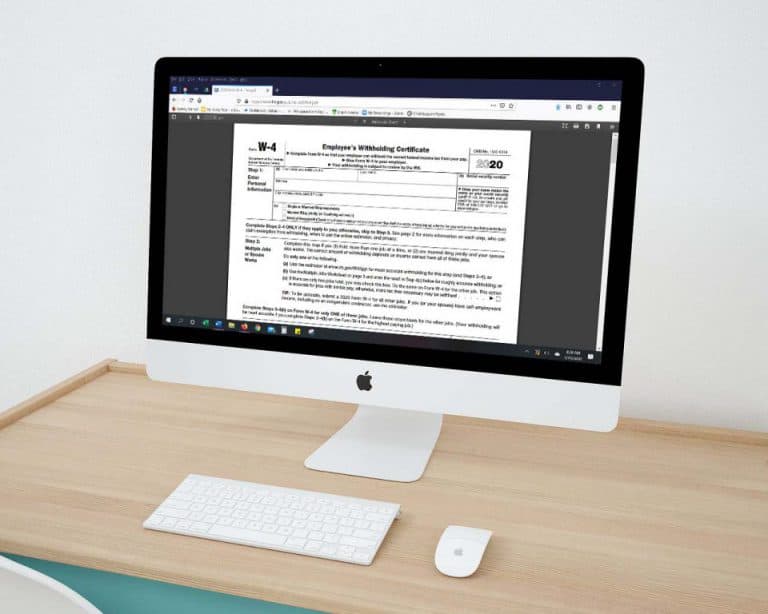
Changes have been made to the W-4 Form that deals with “Allowances;” employees use this form to determine the amount of income tax that is withheld from their payroll. Please note, if your employee already has a W-4 (2019 & prior) with your company, they are grandfathered in and do not need to fill…
Frequently Asked QuestionsGeneral News and UpdatesHelp FilesTips and TricksSeveral New View Only Permissions Now Available
When selected, these negative permissions will allow users to create and view but not edit various forms in adilas. Here is a brief review, as well as the corresponding id #’s so you can do a search and find them easily. First, from the classic homepage, navigate to the system management drop down…
Core FeaturesFrequently Asked QuestionsGeneral News and UpdatesHelp FilesTips and TricksNew ‘Sub Barcodes’ setting speeds up adding sub inventory to the shopping cart
Go to Manage Corp Info and Permissions. Click on Corp-Wide Settings. Scroll down to setting #37. The default is to have only the “Part Numbers” option selected. If this is the only selection that is chosen, the cart quick search drop-down menu will be hidden (users won’t even see it as an option)…
Cannabis UpdatesCore FeaturesFrequently Asked QuestionsGeneral News and UpdatesHelp FilesMJ Tips and TricksSupportTips and TricksPrinting 1099 forms in adilas
If you are printing your end of year 1099 forms in adilas, here is a helpful tip. On 1099’s, if you are printing the red copy A’s (data overlay only), one way to print them is to tear off the dot matrix rib and print them that way. On one developer’s printer, they were able to flip the red form
Frequently Asked QuestionsGeneral News and UpdatesHelp FilesSupportTips and TricksHow to Bulk Update Parent Items: Tax Category, Status and Weight
Now there is a way to change some important information on your parent items all at one time. First, make sure you have the admin permission #109, which is ID=74. This can be found toward the bottom of the permission list. From the Classic Homepage, go to System Maintenance and choose Global Items…
Cannabis UpdatesCore FeaturesFrequently Asked QuestionsGeneral News and UpdatesHelp FilesMJ Tips and TricksSupportTips and TricksMeet the adilas Team: Charles Swann, Developer
Adilas would like to welcome our newest team member, Charles Swann. Charles is originally from Preston, ID and currently resides in Utah. Charles served our country in the Army National Guard. He completed his basic training at Fort Leonard Wood, MO and then his Advanced Training in Artillery as Fi…
Cannabis UpdatesCore FeaturesFrequently Asked QuestionsGeneral News and UpdatesSupportAdilas Security Information
Security at Adilas has been provided by Newtek for 20 years. Newtek Technology Solutions is a leading managed technology and I.T. infrastructure company that has been around since 1997. Adilas leaves backup and storage to the professionals. Operations are based out of Phoenix, Arizona, and have a d…
Core FeaturesFrequently Asked QuestionsGeneral News and UpdatesThe Reports Homepage
We wanted to give you a quick reference guide to our new and improved Reports Homepage. Here we have broken each section down into individual reports, with a short explanation and instructional for each. In order to access the Reports Homepage, the user requires permission id=146. Additionally, the…
Cannabis UpdatesCore FeaturesFrequently Asked QuestionsGeneral News and UpdatesHelp FilesMJ Tips and TricksSupportTips and TricksHow to Set the Discount Engine
Thanks to the hard work of Josh Sagert there is now a “set it and forget it” way to create discounts for your business. This is phase one of this functionality. Phase two will include added functions of “Buy X, Get Y,” (a super dynamic ‘buy one get one’), as well as discounts for multiple categorie…
Core FeaturesFrequently Asked QuestionsGeneral News and UpdatesHelp FilesMJ Tips and TricksTips and TricksBarcodes can now be added to custom labels
Many clients have been requesting the ability to add QR or barcodes to their custom labels and now we can! Please contact your consultant or technical support at 719-966-7102 or via email at support@adilas.biz if you’d like to add this new feature to your existing label. Minor charges will apply.
Cannabis UpdatesCore FeaturesFrequently Asked QuestionsGeneral News and UpdatesHelp FilesMJ Tips and TricksTips and Tricks