News & Updates
What's new in adilas: new features, changes and tips.
Customer Specific Tax Categories and How to Set Them
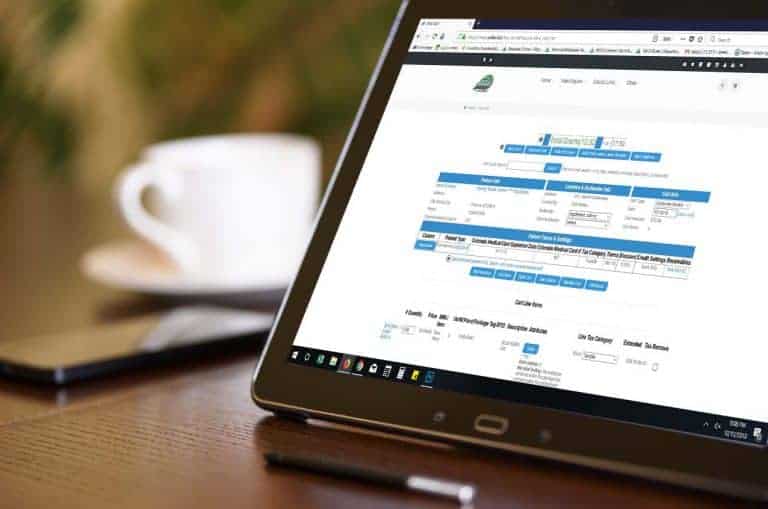
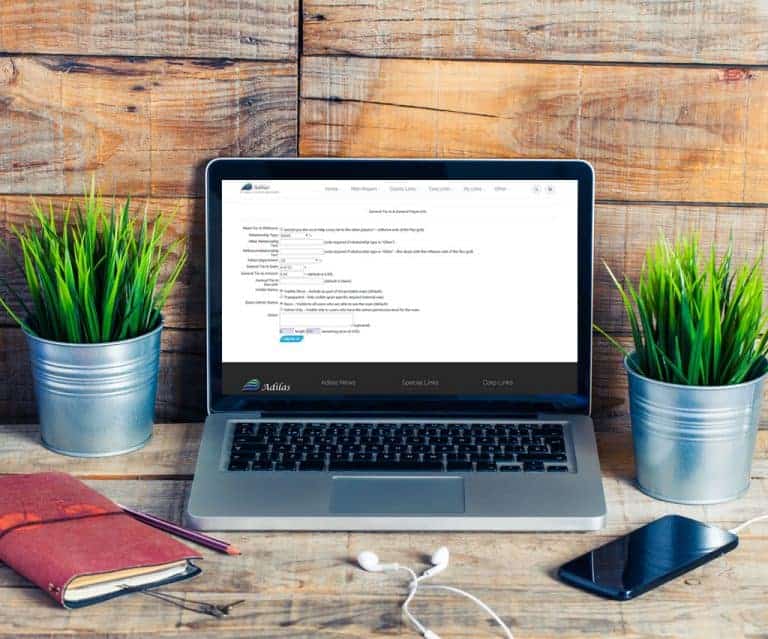
Each customer in your system may be assigned to a tax category. Some options include normal taxable, wholesale, resale, and government. Previously, the tax category showed up in the shopping cart, and could be manipulated on the fly if needed. The new code allows for the customer tax category to vi…
Core FeaturesFrequently Asked QuestionsGeneral News and UpdatesHelp FilesSupportTips and TricksAuto-populate new customer form with DL scan feature
When a customer comes in to your dispensary, you can scan their drivers license to either add them to a shopping cart, a queue, or add them as a new customer. Place your cursor in the blank field to the left of the “Scan DL” button on the Dispensary homepage. Scan their drivers license. This will d…
Core FeaturesFrequently Asked QuestionsGeneral News and UpdatesHelp FilesMJ Tips and TricksSupportTips and TricksOklahoma is now included in the list of states for payroll tax withholding.
Now those of you in Oklahoma can run your payroll through adilas and rest assured that the proper payroll withholdings will be calculated. Thanks a million to Shawn Curtis for adding this function to the payroll options. Please read below if you need a refresher on how to access these settings. Fro…
Core FeaturesFrequently Asked QuestionsGeneral News and UpdatesHelp FilesSupportTips and TricksUpdate: New Discount Engine RELEASED!!
The developers have been working long and hard to get this new feature launched for us, and we want to give a BIG shout-out to Josh and the developer team for all their hard work!! This new functionality allows you to set specific discounts for daily, weekly, time specific or repeating specials tha…
Cannabis UpdatesCore FeaturesFrequently Asked QuestionsGeneral News and UpdatesHelp FilesMJ Tips and TricksSupportTips and TricksNew Feature… View Customer Purchase History
This feature is great for contract pricing- when your company has special pricing per person or per company. There are a couple ways to take advantage of this functionality. First, start a shopping cart and add an item to it. Once the item is displayed, you will see the ++ symbol in the line item i…
Core FeaturesGeneral News and UpdatesHelp FilesSupportTips and TricksHow to do Sales Returns in States that Allow Them
Some states, like Oregon, allow for returns of expired or faulty items, while others don’t even allow these items back on the premises. Be sure you are familiar with the regulations of your state. Click here for a link to update bulletin 45 from Metrc that explains the return procedure when using t…
Cannabis UpdatesHelp FilesMETRCMJ Tips and TricksSupportTips and TricksAdilas Welcomes Leafbuyer Integration for our Clients!
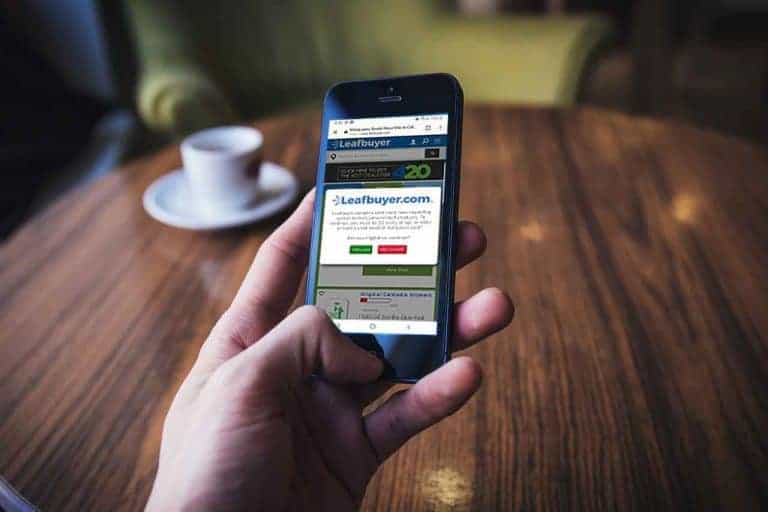
Here at adilas, we enjoy opening the doors and linking up with other businesses that prioritize making things easier for you. We are proud to announce our newest API 3rd Party Solutions Link with Leafbuyer!!!! Feel free to reach out to your consultant, or technical support with any questions or con…
Cannabis UpdatesMJ Tips and TricksAdilas Welcomes Weedmaps Integration for our Clients!
Here at adilas, we enjoy opening the doors and linking up with other businesses that prioritize making things easier for you. We are proud to announce our newest API 3rd Party Solutions Link with Weedmaps, COMING SOON!!!! Keep checking back for more updates and for the final release date.
Cannabis UpdatesMJ Tips and TricksWhat does the new Metrc ID do?
You may be wondering what the Metrc ID does on the transactional sales page in adilas. You may also be wondering if the number is missing, just exactly what “find” means. The Metrc ID is a way to match up transactions in Metrc with adilas invoices. Previously, in order to match up transactions, we…
Cannabis UpdatesHelp FilesMETRCMJ Tips and TricksSupportTips and TricksHow to Update Item Photos for E-Commerce
This update will demonstrate how to edit the photos for your products available for online sales. First you will need to make sure you have the correct permissions. Go to the User Homepage and click on the User/Employee who needs access, or go to the Classic Homepage, Under System Management, Choos…
Core FeaturesFrequently Asked QuestionsGeneral News and UpdatesHelp FilesSupportTips and TricksSomething went wrong with my Inventory Upload!
Have you ever brought inventory in through the API link with Metrc, and something went wrong? Maybe your templates weren’t set correctly, or you accidentally assigned your items to incorrect parents? Things go wrong sometimes for no reason, and you are tasked with correcting them. Most clients thin…
Cannabis UpdatesFrequently Asked QuestionsHelp FilesMETRCMJ Tips and TricksSupportHow to Start a New Plant Batch
Here are the steps you will need to take to start a new plant batch. You will need to make sure you create a Basic Live PO to your Company with all of your plant strains on it. Go to PO Homepage and click on Start New PO. Fill in all of the fields below… Once you have created the
Cannabis UpdatesFrequently Asked QuestionsGeneral News and UpdatesHelp FilesMJ Tips and TricksSupportTips and TricksHow to Remove Unwanted Plants or Destroy Plants that Have Died
First we will cover unwanted plants and then move on to destroying actual plants that have died. Let’s say you just created a new batch of 50 plants and entered the wrong start date. Fear not! While you can never completely delete data in adilas (which is why we rank so high in POS compliance and t…
Cannabis UpdatesFrequently Asked QuestionsGeneral News and UpdatesHelp FilesMETRCMJ Tips and TricksSupportTips and TricksChanging Plant Phases/Moving Plants
With adilas’s new Cultivation Homepage functionality, it is easier than ever to track your plants from seed to sale. Once you have started your plant batch, you can change their phase and move them to a new location one at a time, or by entire batch, with just a few clicks. First, to change the pha…
Cannabis UpdatesFrequently Asked QuestionsGeneral News and UpdatesHelp FilesMETRCMJ Tips and TricksSupportTips and TricksMETRC- How to Add New Inventory from a Distributor to a Specific Vendor through the API
You have just received Chocolate Bars from your Distributor ABC Company, and it’s time to bring them into adilas through the METRC API. You want the Chocolate Bars to be listed under the original Vendor’s name/Manufacturer for ease of tracking, not the Distributor. Here are the steps…. Disclaimer…
Cannabis UpdatesCore FeaturesFrequently Asked QuestionsGeneral News and UpdatesHelp FilesMETRCMJ Tips and TricksSupportTips and Tricks