This post is from 2017. Some screens and steps in adilas have changed since it was written.
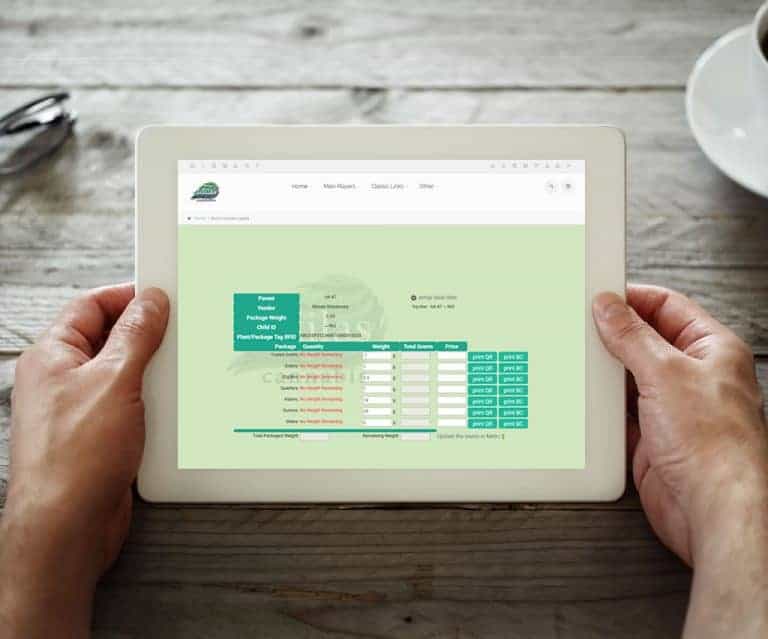
Complex Label Settings
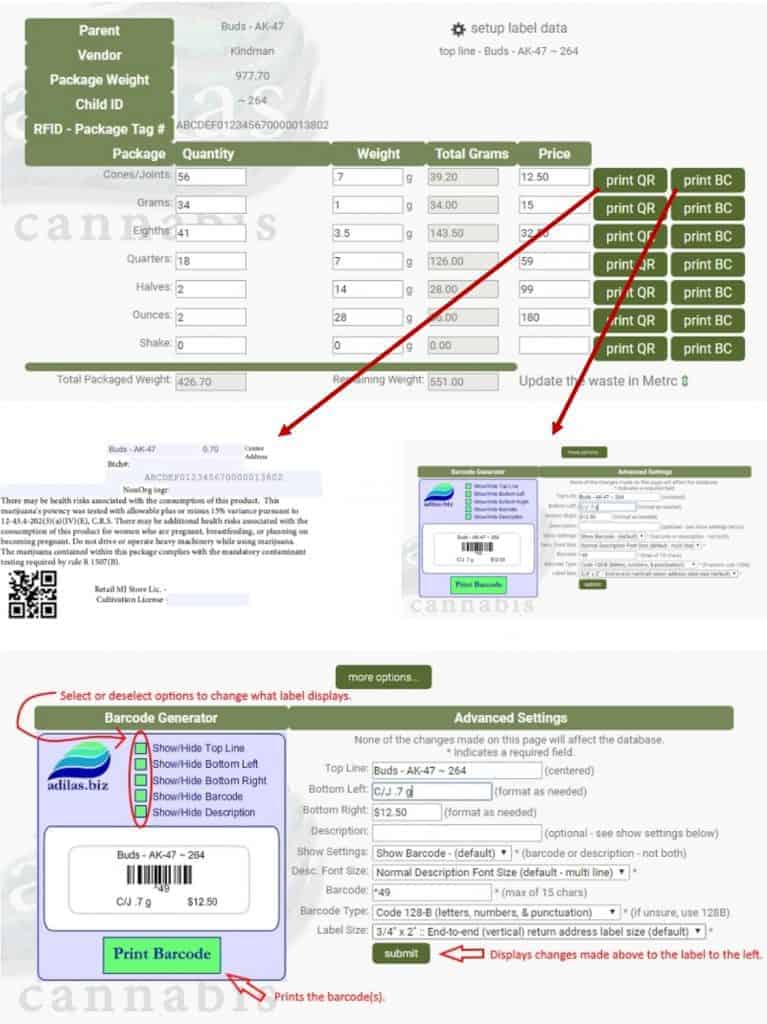
Access to complex label settings is now available!
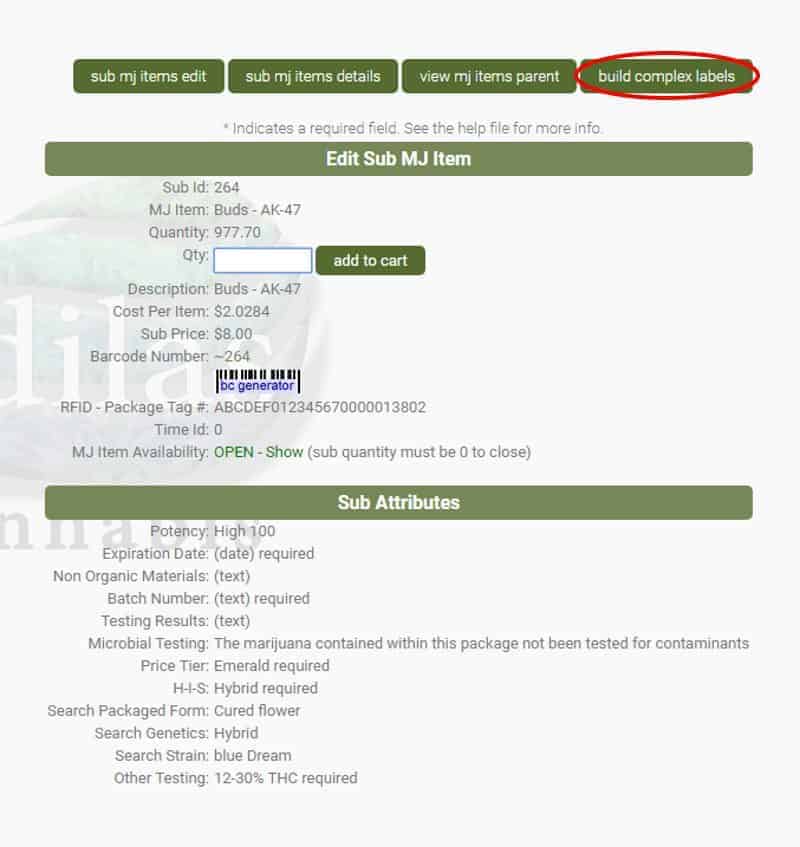
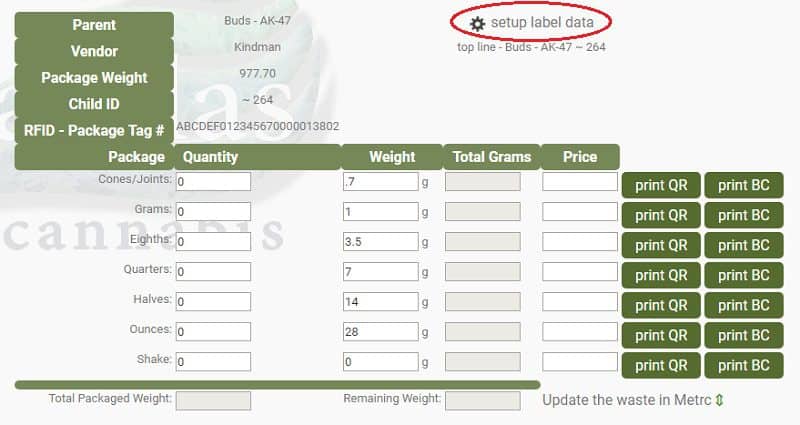
- Click on the ‘gear’ symbol to access the settings page.
- Label size and top line data can be selected or dynamically stored.
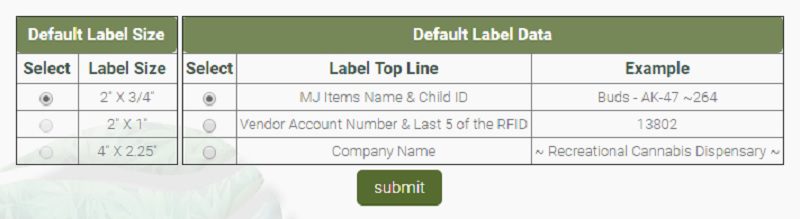
- Make changes to the barcode data and choose what is displayed.
- Print QR or barcode labels.
First posted on the old news site: https://news.adilas.biz/2017/12/03/complex-label-settings/