Navigate to the balance sheet.
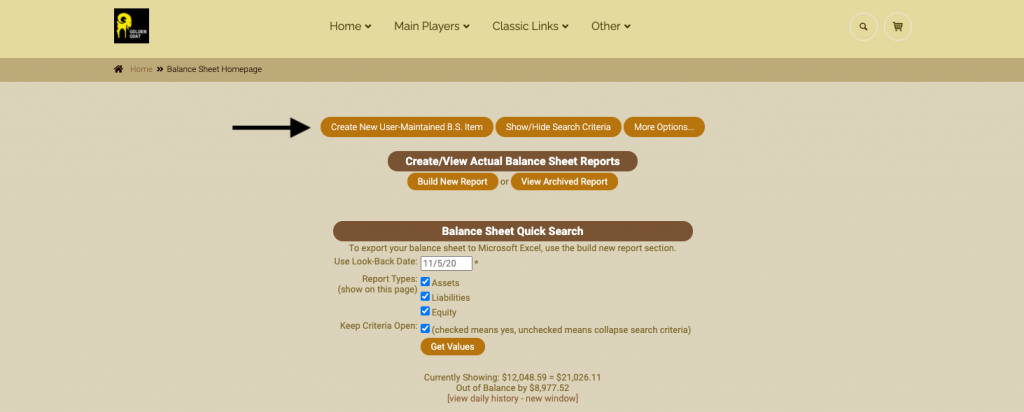
At the top click on the link for “create new user maintained balance sheet item.”
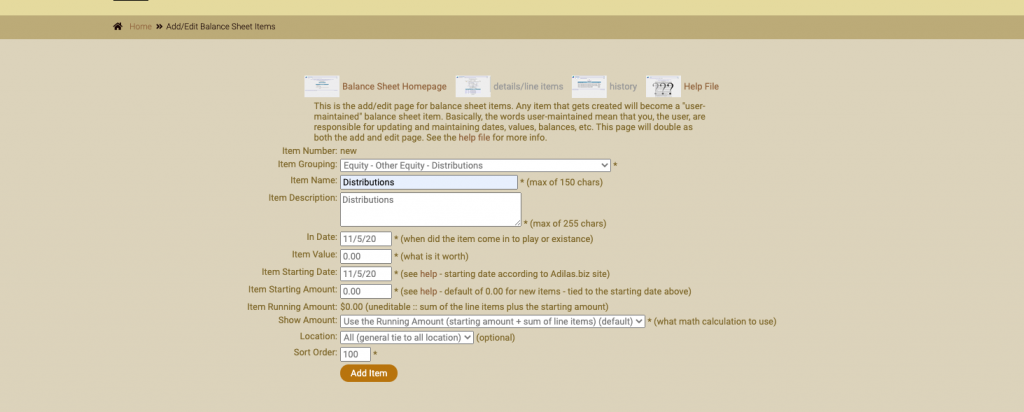
Fill in all fields. **Make sure to keep both the item value and starting amount at 0.
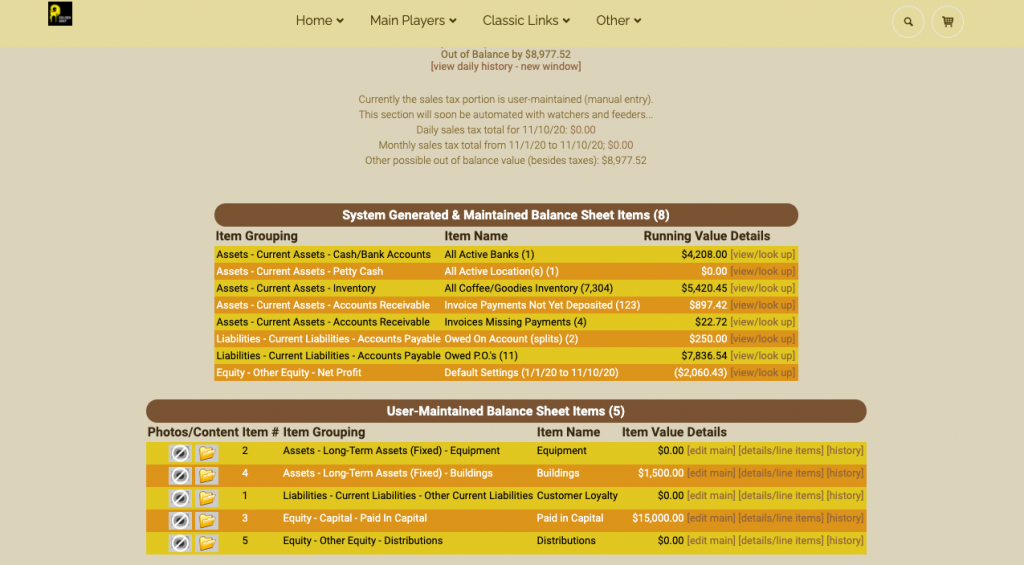
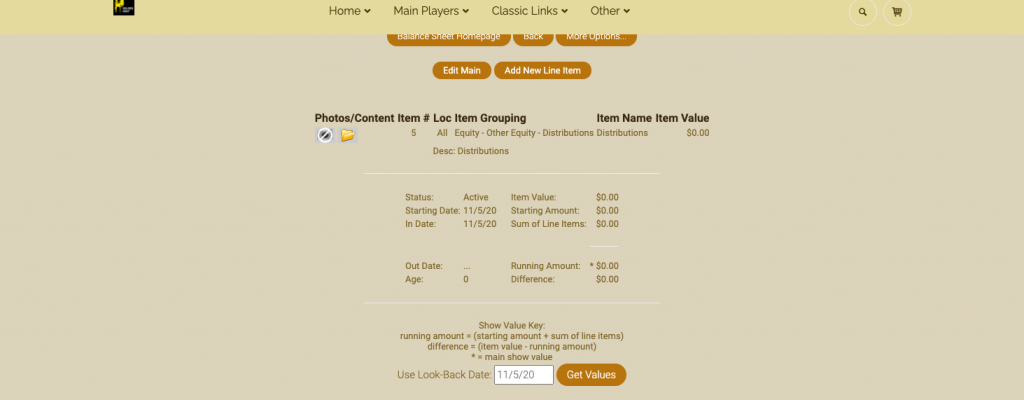
Now the new user maintained balance sheet item has been created. In this example, the new item called “Distributions” is item number five.
As always, please feel free to reach out to your consultant, technical support at 719-966-7102, or email support@adilas.biz if you have any questions, concerns, or suggestions.
First posted on the old news site: https://news.adilas.biz/2020/11/12/how-to-create-a-new-user-maintained-balance-sheet-item/